Codeg: Collaborative Multi-Agent AI Coding Workspace for Developers
This repository profile is provided by osrepos.com, an open source repository discovery platform.
Summary
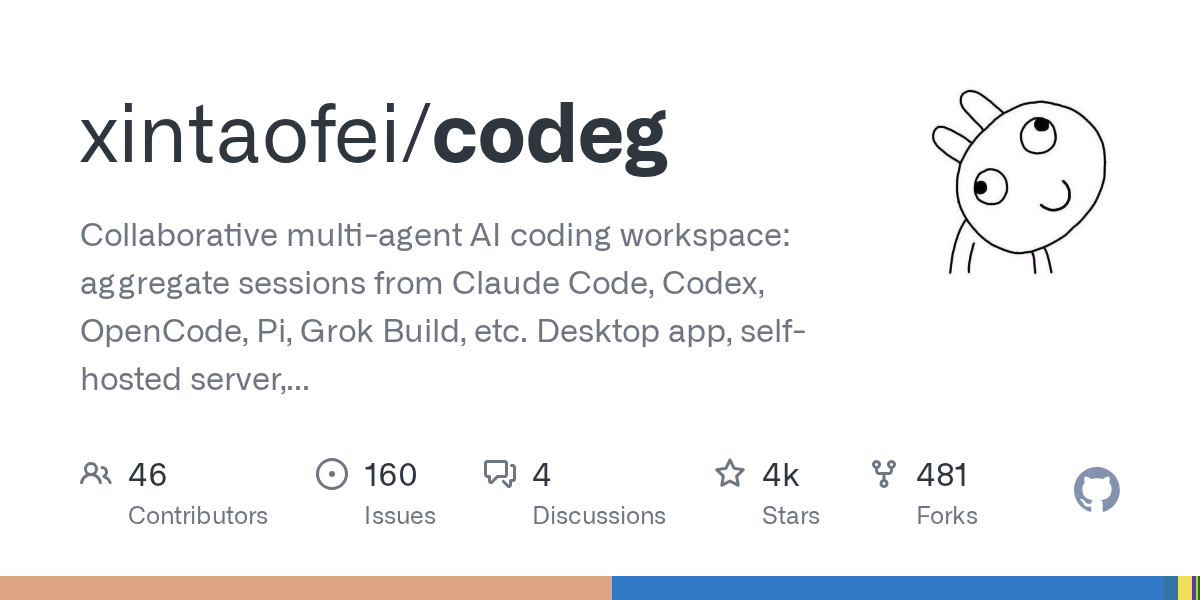
Codeg (Code Generation) is an innovative multi-agent AI coding workspace built in Rust, designed to unify and enhance the developer experience. It aggregates sessions from various AI coding agents like Claude Code, Codex, and Grok Build into one searchable environment, facilitating seamless collaboration and task management. Available as a desktop app, self-hosted server, or Docker container, Codeg also offers native iOS and Android clients for on-the-go productivity.
Repository Information
Topics
Click on any tag to explore related repositories
Use at your own risk
OSRepos shares public repositories for knowledge and discovery only. Any installation, execution, configuration, or use of code from these repositories is the user's own responsibility. Always review the repository, source code, dependencies, licenses, and security implications before running or installing anything. OSRepos is not responsible for issues, damages, or losses resulting from third-party repositories.
Introduction
Codeg (Code Generation) is a powerful multi-agent AI coding workspace that consolidates the capabilities of numerous AI coding agents into a single, cohesive platform. Developed in Rust, Codeg aims to streamline the development workflow by allowing agents to work together on tasks, manage code, and even generate office documents, all within an integrated environment. It supports a wide array of agents, including Claude Code, Codex, OpenCode, Pi, and Grok Build, providing a unified space for all your AI-assisted coding needs.
Why Use Codeg and Key Benefits
Codeg offers a comprehensive suite of features designed to boost productivity and collaboration in AI-driven development:
- Multi-Agent Collaboration: Easily delegate tasks to different AI agents using
@-mentions. Agents can run in parallel, tackling complex problems together, with their work streamed directly into your conversation thread. This eliminates context switching and copy-pasting between tools. - Task Management with To-dos: For tasks that don't require immediate oversight, Codeg's To-dos board allows agents to work on separate Git worktrees. Each task runs on its own branch, awaiting your review before changes are merged, ensuring isolated and controlled development.
- Unified Workspace: The platform provides a complete engineering loop, including a file tree, editor with live diffs, a full Git client, and an embedded terminal. You can link multiple directories to create a single, expansive workspace.
- Office Document Generation: Agents can create, analyze, and edit
.pptx,.docx, and.xlsxfiles with a live in-tab preview. Edits are reflected instantly, allowing for iterative document creation without leaving Codeg. - Cross-Platform Deployment: Codeg is highly flexible, deployable as a native desktop application for macOS, Windows, and Linux, a standalone
codeg-serveraccessible via any browser, or as a Docker container. This ensures you can work in your preferred environment. - Mobile Accessibility: Native iOS and Android clients connect to your desktop app's Web Service or
codeg-server, allowing you to start sessions, monitor replies, and approve permissions from your mobile device, keeping you connected to your work from anywhere. - Conversation Aggregation: Import and resume past sessions from all supported agents, creating a searchable history. Agents can reference previous conversations, even if initiated by a different agent, ensuring continuity.
- Custom Agents: Beyond the fifteen built-in agents, Codeg allows you to register any other ACP-compatible agent, integrating it seamlessly into your workflow.
- Split View: Organize your workspace by splitting the conversation area into multiple tab groups, enabling side-by-side work on different tasks or with different agents.
Installation
Codeg provides multiple installation options to suit your workflow:
Desktop Application
Download the installer for macOS, Windows, or Linux from the Codeg Releases page. Follow the detailed installation instructions provided in the documentation.
Server (Headless)
Run Codeg as a headless server, accessible from any browser. On Linux or macOS, use:
curl -fsSL https://raw.githubusercontent.com/xintaofei/codeg/main/install.sh | bash
CODEG_STATIC_DIR=/usr/local/share/codeg/web codeg-server
On Windows, in PowerShell:
irm https://raw.githubusercontent.com/xintaofei/codeg/main/install.ps1 | iex
$env:CODEG_STATIC_DIR="$env:LOCALAPPDATA\codeg\web"; codeg-server
Docker
Deploy the server in a single Docker container:
docker run -d -p 3080:3080 -v codeg-data:/data ghcr.io/xintaofei/codeg:latest
Mobile Clients
Install the native iOS app or the Android APK. Connect it to your desktop app's Web Service or your codeg-server by providing the URL and token. Pairing steps are detailed in the Mobile apps documentation.
Examples
Imagine you need to refactor a complex function and simultaneously review a pull request. With Codeg, you can open two split views. In one pane, you might instruct Claude Code to refactor the function. In the other, you could ask Codex to review a diff from a pull request. Both agents work in parallel, streaming their progress directly into their respective conversation threads, allowing you to monitor and interact with both tasks without switching applications.
For larger, asynchronous tasks, the To-dos board is invaluable. You can create a task, assign an agent, and Codeg will automatically set up a Git worktree on a new branch for that task. The agent works autonomously, and once complete, the task moves to a review column. You can then review the changes, request further iterations, or accept them, allowing Codeg to handle the merge process securely.
Links
- GitHub Repository: https://github.com/xintaofei/codeg
- Official Documentation: https://docs.codeg.app
- iOS App: https://apps.apple.com/app/codeg-client/id6785199071
- Android App: https://github.com/xintaofei/codeg-android/releases/latest
Related repositories
Similar repositories that may be relevant next.
SandBase CLI: Connect Your AI Agent to 2,000+ Models and APIs
September 4, 2026
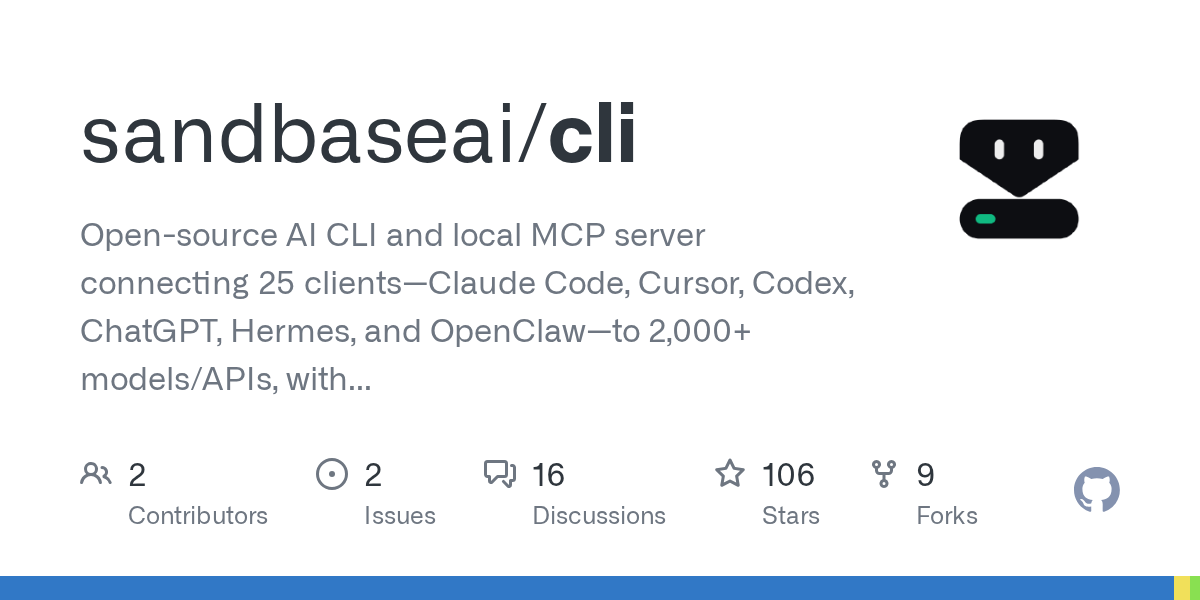
SandBase CLI is an open-source command-line interface and local MCP server that supercharges AI agents. It connects 25 popular AI clients, such as Claude Code, Cursor, and ChatGPT, to over 2,000 AI models and APIs, simplifying complex integrations. This powerful tool streamlines AI agent development by offering a unified gateway, removing the hassle of API key management and configuration.
CLI Agent Orchestrator: Multi-Agent Orchestration for AI Coding CLIs
August 24, 2026
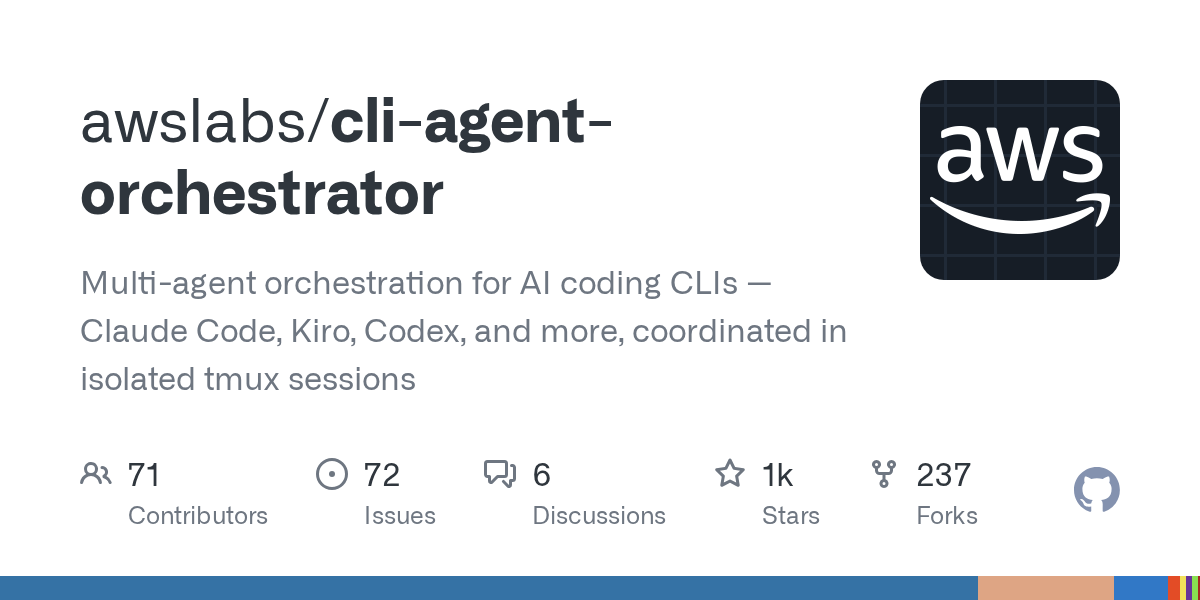
The CLI Agent Orchestrator (CAO) is a powerful tool designed to coordinate multiple AI coding CLIs, enabling a supervisor to delegate tasks to specialist agents in parallel or sequence. It achieves this by running a local `cao-server` and launching provider CLIs within isolated tmux terminal sessions. This setup allows for efficient management and orchestration of various AI coding assistants.
Source repository
Open the original repository on GitHub.