Pi vs kilocode
AI coding agents compared
pi and kilocode both provide AI coding-agent tools for software development. pi is a customizable TypeScript toolkit with a CLI and SDK, while kilocode focuses on agents integrated into IDEs and a CLI, with distinct task modes and model switching.
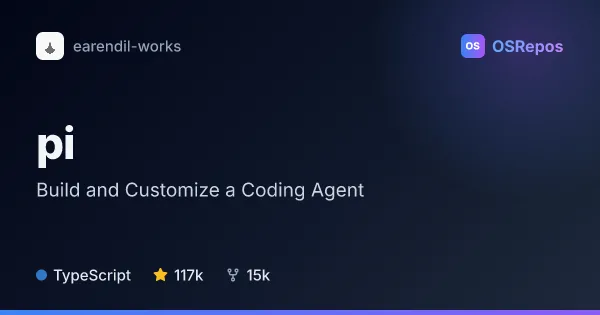
Pi: Build and Customize a Coding Agent
Pi is a minimal, extensible coding-agent harness built with TypeScript and its pi-ai unified LLM API. Run it as a CLI on macOS, Linux, or Windows, or adapt its components and extensions to your own workflows.
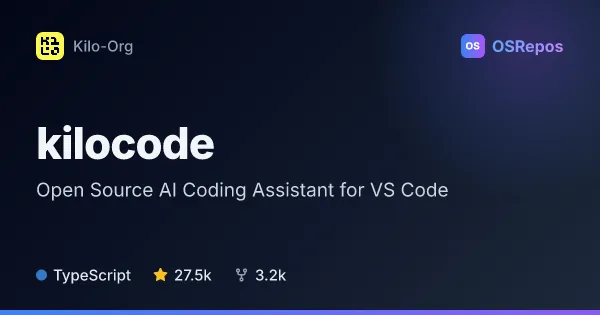
kilocode: Use AI Coding Agents Across IDEs and CLI
Kilo Code is an AI coding agent for VS Code, JetBrains IDEs, and the command line. It helps developers generate and review code, run tools, and choose among many AI models, with modes for planning, debugging, and codebase questions.
| Pi | kilocode | |
|---|---|---|
| Language | TypeScript | TypeScript |
| License | MIT | MIT |
| Stars | 117k | 27.5k |
| Forks | 15k | 3.2k |
| Last analyzed | Oct 23, 2026 | Oct 3, 2026 |
Key differences
- pi combines a multi-provider API, agent runtime, terminal UI, and TypeScript SDK; kilocode offers Code, Plan, Ask, and Debug agents through IDE integrations and a CLI.
- pi emphasizes adapting workflows with extensions, skills, prompts, themes, and packages; kilocode provides built-in inline autocomplete and self-checking of agent work.
- pi supports automation through print and JSON modes and RPC; kilocode offers an autonomous CLI mode for CI/CD that can approve permission prompts unless a rule denies the action.
- pi's listed considerations say it has no built-in permission controls for filesystem, process, network, or credential access; kilocode warns that autonomous mode can approve permission prompts and recommends trusted environments.
- Both projects are TypeScript and MIT-licensed. pi has 112k stars and 14.2k forks, while kilocode has 27.5k stars and 3.2k forks.
Choose Pi if you…
- want a customizable agent toolkit and TypeScript SDK for building applications.
- need print or JSON output, RPC, or extensions to adapt agent workflows.
- prefer a CLI-centered tool and can provide sandboxing when stronger isolation is needed.
Choose kilocode if you…
- want AI coding agents in VS Code, JetBrains IDEs, or the command line.
- need distinct modes for planning, codebase questions, debugging, and code changes.
- want to switch among models or use terminal and browser tools, and can run autonomous mode only in trusted environments.
Compare the numbers side by side, or add more projects
This comparison is generated with AI from the OSRepos analyses of both projects. Always check each project's repository and documentation before choosing.