Musify vs pear-desktop
Music streaming apps compared
Musify is a Flutter app for online and offline music listening, with Android as its main platform. pear-desktop is an unofficial Electron app for using YouTube Music in a standalone desktop window; the projects differ in music service, platform focus, and customization approach.
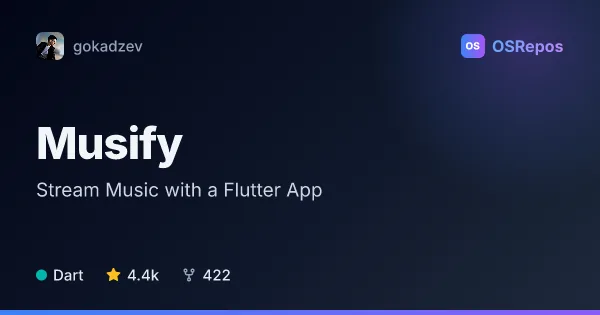
Musify: Stream Music with a Flutter App
Musify is a Flutter music-streaming app for Android, with beta support for Linux and Windows. It combines online search and playback with offline listening, playlists, lyrics, radio, and music-library tools.
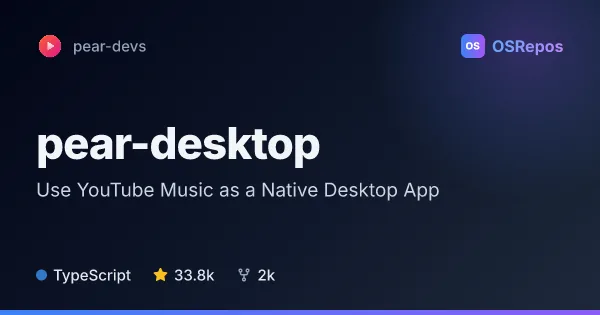
pear-desktop: Use YouTube Music as a Native Desktop App
Pear Desktop is an unofficial Electron app that gives YouTube Music a native desktop experience on Linux, macOS, and Windows. It supports themes and plugins for customizing the app, with community downloads and an MIT license.
| Musify | pear-desktop | |
|---|---|---|
| Language | Dart | TypeScript |
| License | GPL-3.0 | MIT |
| Stars | 4.4k | 33.8k |
| Forks | 422 | 2k |
| Last analyzed | Nov 6, 2026 | Oct 17, 2026 |
Key differences
- Musify searches and plays online music and supports offline listening, while pear-desktop wraps YouTube Music for desktop use.
- Musify primarily targets Android, with Linux and Windows in beta; pear-desktop supports Linux, macOS, and Windows.
- Musify is built with Dart and Flutter, while pear-desktop uses TypeScript and Electron.
- Musify includes playlists, lyrics, radio, and music-library tools; pear-desktop focuses on CSS themes and plugins for customizing its app.
- Musify uses the GPL-3.0 license, while pear-desktop uses the MIT license.
- Musify has 4.4k stars and 422 forks; pear-desktop has 33.8k stars and 2k forks.
Choose Musify if you…
- need an Android app for online and offline music listening.
- want to import Spotify playlists or manage playlists, lyrics, radio, and music-library data.
- are willing to try beta desktop support on Linux or Windows.
Choose pear-desktop if you…
- prefer YouTube Music in a standalone desktop app on Linux, macOS, or Windows.
- want to customize the app with CSS themes or plugins.
- want to develop plugins that interact with Electron features.
Compare the numbers side by side, or add more projects
This comparison is generated with AI from the OSRepos analyses of both projects. Always check each project's repository and documentation before choosing.