Pear Desktop: An Electron-based Music Player Extension
This repository profile is provided by osrepos.com, an open source repository discovery platform.

Summary
Pear Desktop is an open-source, Electron-based application designed to enhance your music player experience with a native look and feel. It offers cross-platform compatibility for Windows, macOS, and Linux, alongside extensive customization options through themes and a robust plugin system. This independent extension provides a dedicated desktop interface for your favorite music.
Repository Information
Topics
Click on any tag to explore related repositories
Use at your own risk
OSRepos shares public repositories for knowledge and discovery only. Any installation, execution, configuration, or use of code from these repositories is the user's own responsibility. Always review the repository, source code, dependencies, licenses, and security implications before running or installing anything. OSRepos is not responsible for issues, damages, or losses resulting from third-party repositories.
Introduction
Pear Desktop is a powerful, open-source desktop application built with Electron and TypeScript, designed to act as an extension for music players. It provides a dedicated, native-looking interface for your music, offering a seamless experience across various operating systems. With its focus on customization and extensibility, Pear Desktop allows users to personalize their music listening environment through custom themes and a comprehensive plugin system. It supports Windows, macOS, and Linux, making it a versatile choice for music enthusiasts.
Installation
Pear Desktop offers straightforward installation methods across different platforms.
Arch Linux
Install the pear-desktop package from the AUR. For detailed AUR installation instructions, refer to the Arch Wiki page.
macOS
You can install the app using Homebrew:
brew install pear-devs/pear/pear-desktop
If you install manually and encounter an "is damaged and can’t be opened" error, run the following command in your Terminal:
/usr/bin/xattr -cr /Applications/Pear\ Desktop.app
Windows
For Windows, you have several options:
Using Scoop Package Manager:
scoop bucket add extras
scoop install extras/pear-desktop
Using Winget (Windows 11's official CLI package manager):
winget install pear-devs.pear-desktop
Offline Installation (without a network connection):
- Download the
*.nsis.7zfile for your device architecture (x64, ia32, or arm64) from the latest release page. - Download the installer (
*-Setup.exe) from the same release page. - Place both files in the same directory.
- Run the installer.
Examples
Pear Desktop's strength lies in its customization capabilities, particularly through themes and plugins.
Custom Themes
You can load custom CSS files to change the application's appearance. Navigate to Options > Visual Tweaks > Themes within the application.
Explore predefined themes at kerichdev/themes-for-ytmdesktop-player.
Building Your Own Plugins
Pear Desktop provides a robust plugin API, allowing you to manipulate the app, change the front-end HTML/CSS, and communicate between the front and back ends.
To create a plugin, start by creating a folder in src/plugins/YOUR-PLUGIN-NAME and an index.ts file:
import style from './style.css?inline'; // import style as inline

import { createPlugin } from '@/utils';

export default createPlugin({
  name: 'Plugin Label',
  restartNeeded: true, // if value is true, pear-desktop will show a restart dialog
  config: {
    enabled: false,
  }, // your custom config
  stylesheets: [style], // your custom style
  renderer() {} // define renderer hook
});
This example shows how to inject custom CSS. For more advanced interactions, including manipulating the BrowserWindow or communicating via IPC, refer to the official documentation and existing plugins in the repository.
Why Use Pear Desktop?
Pear Desktop offers several compelling reasons for music lovers:
- Native Look & Feel: Enjoy a desktop application that integrates seamlessly with your operating system's aesthetics.
- Cross-Platform Compatibility: Available on Windows, macOS, and Linux, ensuring a consistent experience regardless of your preferred OS.
- Extensive Customization: Personalize your music player with custom themes to match your style.
- Powerful Plugin System: Extend functionality and tailor the application to your specific needs by building or installing plugins.
- Open Source: Benefit from a community-driven project with transparent development and continuous improvements.
Links
- GitHub Repository: https://github.com/pear-devs/pear-desktop
- Latest Release: https://github.com/pear-devs/pear-desktop/releases/latest
Related repositories
Similar repositories that may be relevant next.
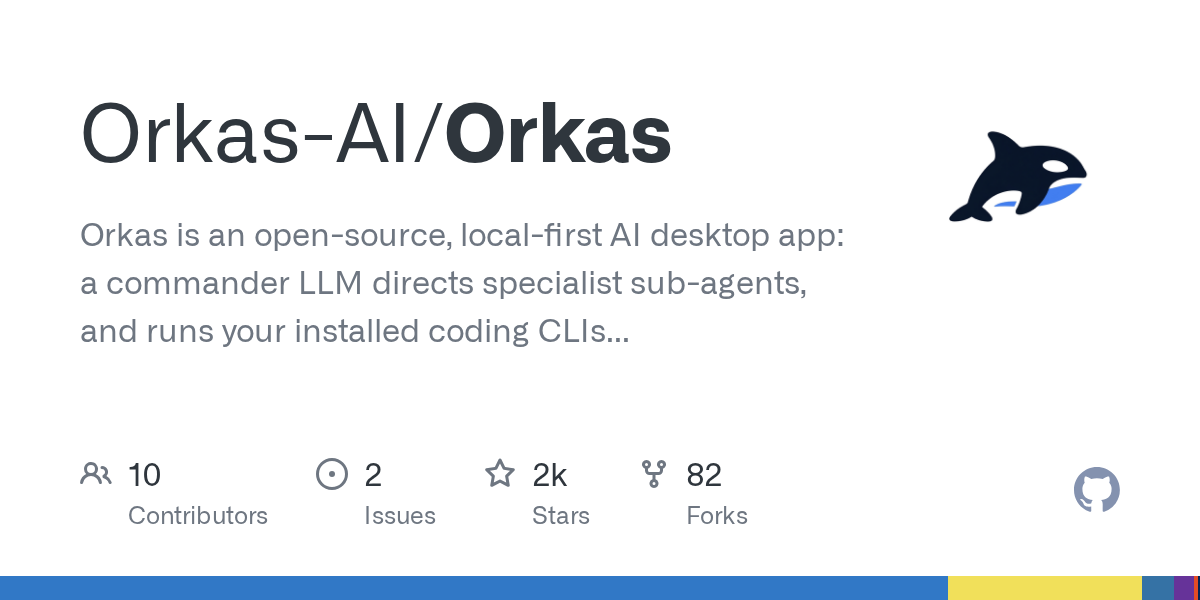
Orkas: Command a Team of AI Agents from Your Desktop
September 13, 2026
Orkas is an open-source, local-first AI desktop application designed to orchestrate a team of specialist AI agents. It allows a Commander LLM to direct sub-agents and run coding CLIs locally, with agents that self-evolve through reflection and skill crystallization. This cross-platform tool supports macOS, Windows, and Linux, empowering users to manage complex tasks efficiently.
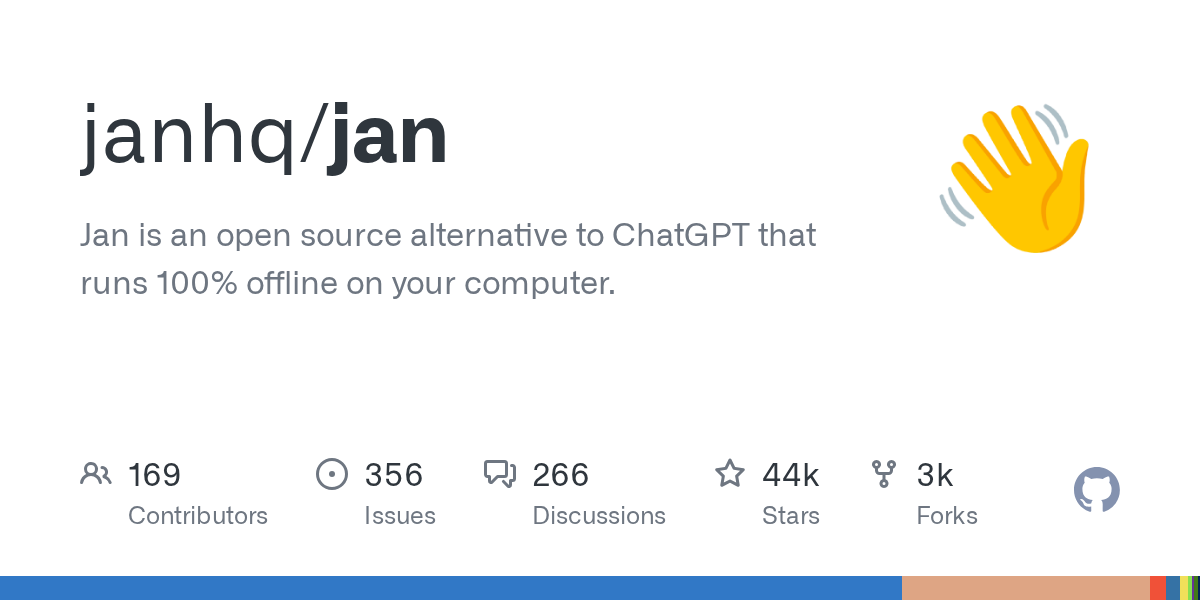
Jan: An Open-Source, Offline ChatGPT Alternative for Your Desktop
August 14, 2026
Jan is a powerful open-source desktop application that provides a 100% offline alternative to ChatGPT. It allows users to download and run various large language models locally, ensuring complete control and privacy over their AI interactions. With support for multiple platforms, Jan offers a robust solution for personal and private AI use.
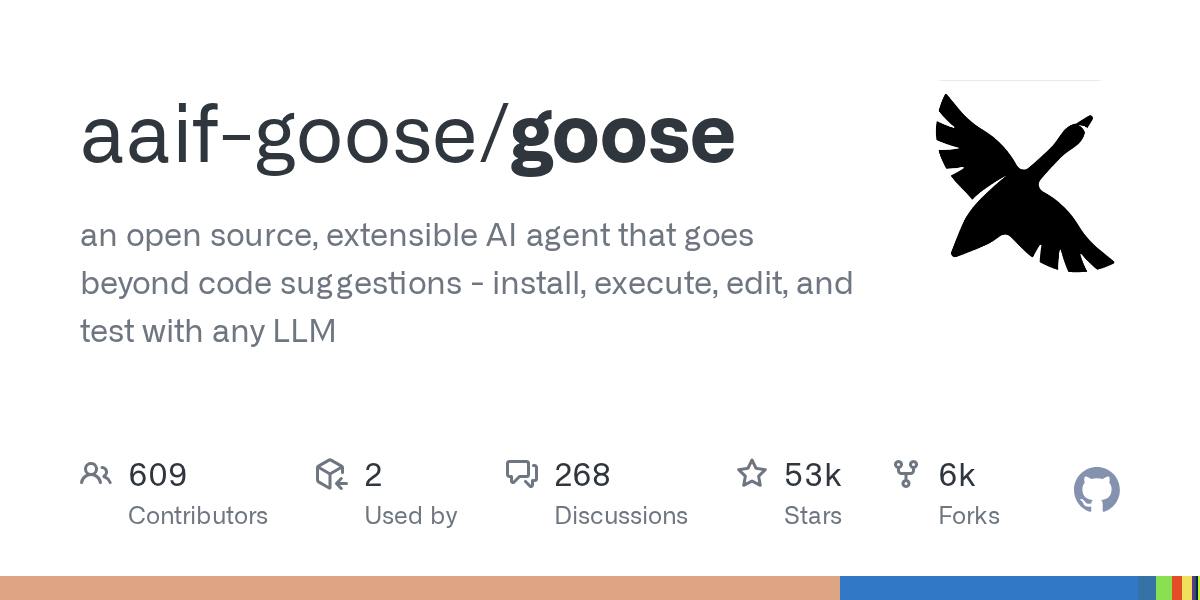
goose: Your Native Open Source AI Agent for Code and Workflows
August 9, 2026
goose is an open source, extensible AI agent designed to run natively on your machine, offering capabilities beyond simple code suggestions. It supports installation, execution, editing, and testing with a wide range of Large Language Models. Built in Rust, goose provides a desktop app, CLI, and API, making it a versatile tool for various tasks from coding to data analysis.
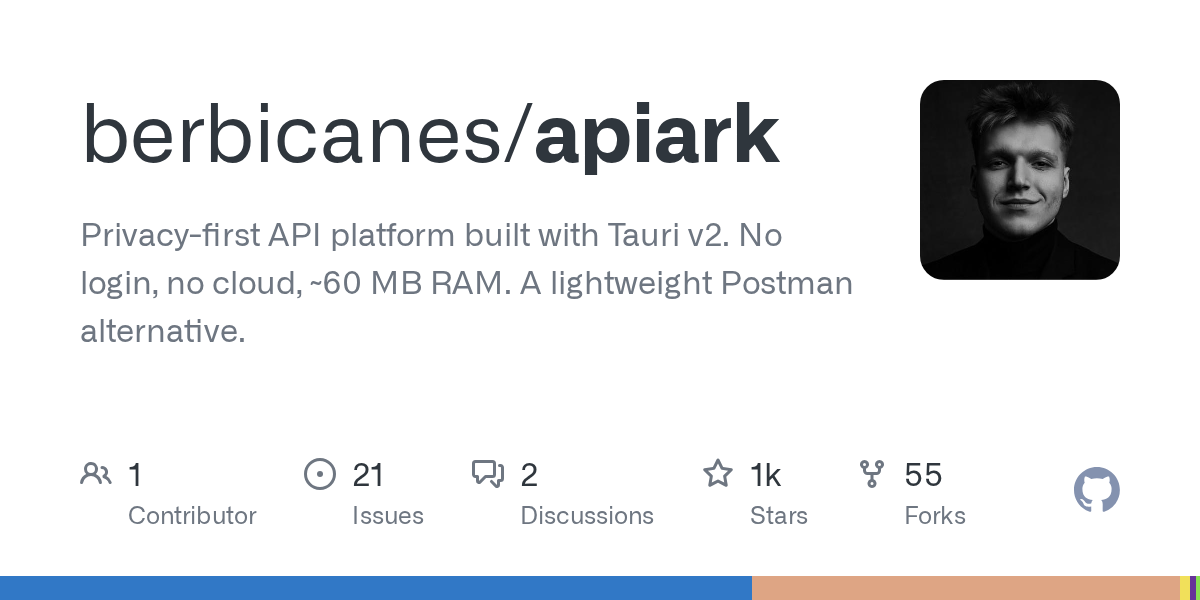
ApiArk: A Privacy-First, Lightweight API Platform Built with Tauri v2
May 29, 2026
ApiArk is an innovative API platform designed as a privacy-first, lightweight alternative to traditional tools like Postman. Built with Tauri v2, it offers exceptional performance, consuming only about 60 MB of RAM, and operates entirely locally with no login or cloud requirements. It supports a wide array of protocols and stores data in Git-friendly YAML files, empowering developers with full control over their API workflows.
Source repository
Open the original repository on GitHub.
122 counted GitHub visits