tessera vs multica
AI coding agent workspaces compared
tessera organizes coding-agent sessions across projects, with worktrees, session views, and Git workflows in a local workspace. multica connects agents to shared team issue assignment and human review, with cloud or self-hosted deployment.
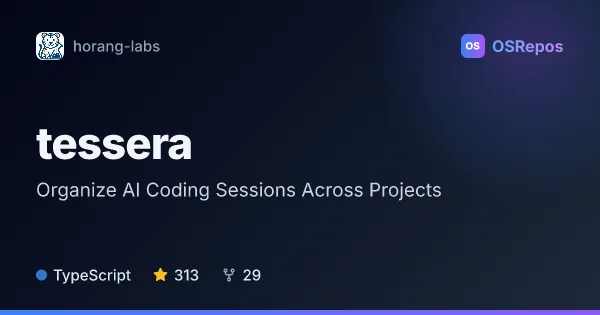
tessera: Organize AI Coding Sessions Across Projects
Tessera is a local workspace for coordinating Claude Code, Codex, and OpenCode sessions across projects. It brings parallel agent tasks, Git worktrees, session views, and Git workflows together for developers running coding agents on their own machines.
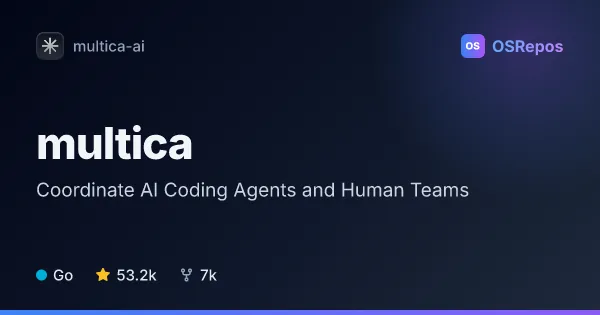
multica: Coordinate AI Coding Agents and Human Teams
Multica is a self-hostable workspace for assigning issues to AI coding agents and collaborating with human teammates. Built on a Go backend, it runs agent CLIs on machines you control and connects work to progress updates, execution logs, and human review.
| tessera | multica | |
|---|---|---|
| Language | TypeScript | Go |
| License | AGPL-3.0 | — |
| Stars | 313 | 53.2k |
| Forks | 29 | 7k |
| Last analyzed | Oct 14, 2026 | Oct 20, 2026 |
Key differences
- tessera focuses on coordinating sessions across projects; multica centers workflows on issues, teams, and review.
- tessera offers tabs, split panes, Kanban views, and Git worktree management; multica tracks agent ownership and progress on a shared board and holds completed work for human approval.
- tessera is a TypeScript desktop-oriented local workspace; multica is written in Go and offers web, desktop, and mobile clients, plus CLI and API access.
- tessera lists an AGPL-3.0 license; multica reports `NOASSERTION` in the GitHub license field and describes additional conditions in its Multica License.
- tessera provides mobile access to local sessions and stores application data locally by default; multica supports cloud use or self-hosting, with agent execution handled by a runtime the team controls.
- Both rely on installed and authenticated agent CLIs. tessera lists 310 stars and 29 forks, while multica lists 51.9k stars and 6.7k forks.
Choose tessera if you…
- need a local workspace for parallel Claude Code, Codex, or OpenCode sessions across projects.
- want to isolate tasks with Git worktrees and review or publish Git changes within the workspace.
- prefer session-focused views, including persistent tabs, split panes, or a Kanban board.
Choose multica if you…
- want to assign issues to agents and keep execution, issue context, and human review connected.
- need team workflows with support for multiple agent CLIs and a controlled local or cloud runtime.
- want a cloud or self-hosted workspace with web, desktop, or mobile access, plus CLI and API options.
Compare the numbers side by side, or add more projects
This comparison is generated with AI from the OSRepos analyses of both projects. Always check each project's repository and documentation before choosing.