magic-mcp: AI-Powered UI Component Generation for Your IDEs
This repository profile is provided by osrepos.com, an open source repository discovery platform.
Summary
magic-mcp, or Magic Component Platform, is an AI-driven tool designed to help developers create modern UI components instantly using natural language descriptions. It integrates seamlessly with popular IDEs like Cursor, Windsurf, and VS Code, streamlining the UI development workflow. This platform leverages AI to build polished components inspired by 21st.dev's library, enhancing productivity and consistency.
Repository Information
Topics
Click on any tag to explore related repositories
Use at your own risk
OSRepos shares public repositories for knowledge and discovery only. Any installation, execution, configuration, or use of code from these repositories is the user's own responsibility. Always review the repository, source code, dependencies, licenses, and security implications before running or installing anything. OSRepos is not responsible for issues, damages, or losses resulting from third-party repositories.
Introduction
Magic Component Platform (MCP), powered by 21st.dev's Magic AI Agent, is a robust tool that revolutionizes UI development. It enables developers to generate beautiful, modern UI components simply by describing them in natural language. With deep integration into leading IDEs such as Cursor, Windsurf, and VS Code, magic-mcp offers a streamlined and efficient way to build user interfaces. It supports TypeScript for type-safe development and provides access to a vast collection of customizable components, ensuring consistency and quality in your projects.
Installation
Getting started with magic-mcp is straightforward, requiring Node.js (Latest LTS) and one of the supported IDEs. You'll first need to generate an API key from the 21st.dev Magic Console.
Prerequisites
- Node.js (Latest LTS version recommended)
- One of the supported IDEs:
- Cursor
- Windsurf
- VSCode (with Cline extension)
Installation Methods
Method 1: CLI Installation (Recommended)
Use the following command to install and configure MCP for your chosen IDE:
npx @21st-dev/cli@latest install <client> --api-key <key>
Supported clients include cursor, windsurf, cline, and claude.
Method 2: Manual Configuration
For manual setup, add the following JSON block to your IDE's MCP config file. Replace "your-api-key" with your actual API key.
{
  "mcpServers": {
    "@21st-dev/magic": {
      "command": "npx",
      "args": ["-y", "@21st-dev/magic@latest", "API_KEY=\"your-api-key\""]
    }
  }
}
Config file locations:
- Cursor:
~/.cursor/mcp.json - Windsurf:
~/.codeium/windsurf/mcp_config.json - Cline:
~/.cline/mcp_config.json - Claude:
~/.claude/mcp_config.json
Method 3: VS Code Installation
For a one-click installation, you can use the provided buttons in the repository's README or manually configure your VS Code settings. Add the following JSON block to your User Settings (JSON) file in VS Code (accessible via Ctrl + Shift + P and searching for Preferences: Open User Settings (JSON)):
{
  "mcp": {
    "inputs": [
      {
        "type": "promptString",
        "id": "apiKey",
        "description": "21st.dev Magic API Key",
        "password": true
      }
    ],
    "servers": {
      "@21st-dev/magic": {
        "command": "npx",
        "args": ["-y", "@21st-dev/magic@latest"],
        "env": {
          "API_KEY": "${input:apiKey}"
        }
      }
    }
  }
}
Examples
Using Magic AI Agent is intuitive. Once installed, you can generate UI components directly from your IDE's chat interface:
- Tell Agent What You Need: In your AI Agent's chat, simply type
/uifollowed by a description of the component you desire.- Example:
/ui create a modern navigation bar with responsive design
- Example:
- Let Magic Create It: Your IDE will prompt you to use Magic, which then instantly builds a polished UI component inspired by 21st.dev's library.
- Seamless Integration: The generated components are automatically added to your project, ready for immediate use and full customization.
Why Use magic-mcp?
magic-mcp offers several compelling advantages for developers:
- AI-Powered Efficiency: Generate complex UI components with simple natural language descriptions, drastically cutting down development time.
- Multi-IDE Support: Enjoy a consistent and integrated experience across your preferred development environments, including Cursor, Windsurf, and VS Code.
- Modern Component Library: Access a rich collection of pre-built, customizable components, ensuring your UIs are always modern and visually appealing.
- Real-time Preview & Customization: See your components instantly as you create them and easily modify their styling, functionality, and behavior.
- TypeScript & SVGL Integration: Benefit from type-safe development and access to professional brand assets and logos, enhancing the quality and consistency of your projects.
Links
- GitHub Repository: https://github.com/21st-dev/magic-mcp
- 21st.dev Magic Console: https://21st.dev/magic/console
- Discord Community: https://discord.gg/Qx4rFunHfm
- 21st.dev Official Site: https://21st.dev/magic
Related repositories
Similar repositories that may be relevant next.
TeamAI-CLI: Empowering Teams to Become AI Native with a Git-Based Foundation
September 24, 2026
TeamAI-CLI, developed by Tencent, is a powerful command-line interface aimed at making every team AI native. It offers a unified, Git-based platform for teams to collaborate, learn, and continuously improve with AI. This tool transforms individual AI capabilities into shared team assets, integrating AI agents, machines, and team members for enhanced efficiency.
LLM Wiki: Build a Self-Maintaining, Interlinked Knowledge Base with AI
September 23, 2026
LLM Wiki is a powerful cross-platform desktop application designed to transform your documents into an organized, interlinked knowledge base automatically. Unlike traditional RAG systems, it incrementally builds and maintains a persistent wiki from your sources, ensuring knowledge is compiled once and kept current. This innovative approach offers a dynamic and evolving personal knowledge management solution.
Maka: A High-Performance Agent Workspace for AI Tasks
September 21, 2026
Apache Maka (Incubating) is a high-performance agent workspace designed to maintain a complete, append-only record of all agent actions. It focuses on measurable performance, local-first operation, and robust recovery mechanisms. This project provides a unified execution authority for desktop, TUI, and CLI clients, ensuring consistent agent behavior across platforms.
OpenMausBot: Your Open-Source AI Bot Team in a Chat App
September 20, 2026
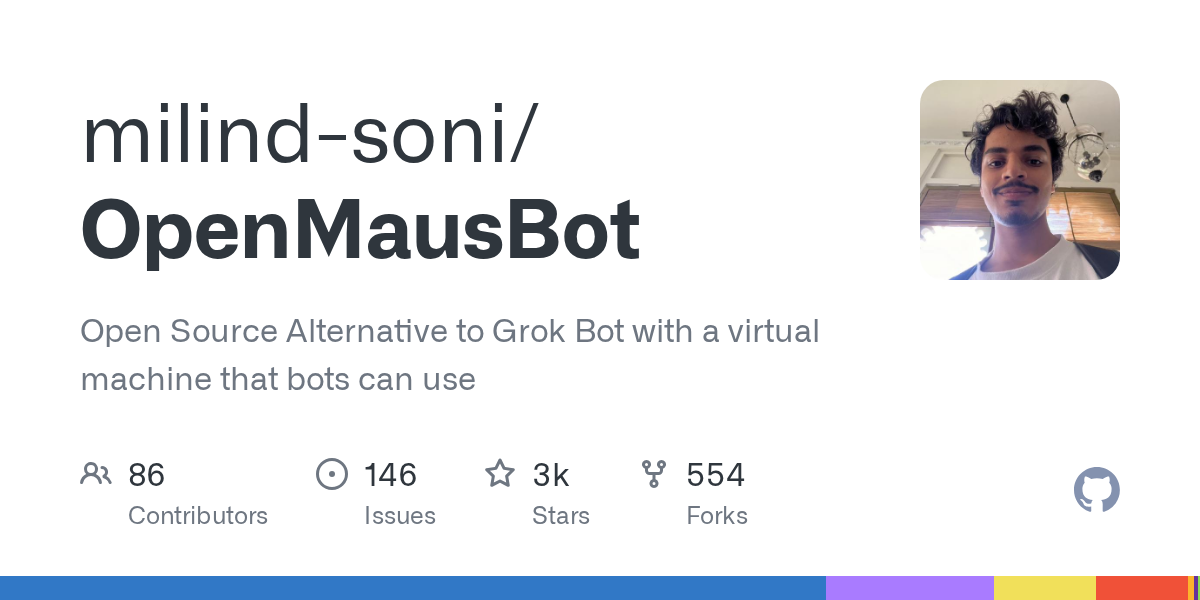
OpenMausBot is an open-source desktop application that provides an alternative to Grok Bot, allowing users to manage a team of AI agents within a chat interface. It emphasizes local-first operation, bringing your own agents, and providing each bot with its own virtual machine or access to your computer. This project enables powerful AI interactions with privacy and control at its core.
Source repository
Open the original repository on GitHub.
20 counted GitHub visits