presentation-ai: AI-Powered Presentation Generator for Professional Slides
This repository profile is provided by osrepos.com, an open source repository discovery platform.
Summary
presentation-ai is an open-source, AI-powered presentation generator that serves as an alternative to tools like Gamma.app. It enables users to quickly create professional and customizable slides with AI-generated content. This tool is designed to streamline the presentation creation process, offering various themes and real-time generation capabilities.
Repository Information
Topics
Click on any tag to explore related repositories
Use at your own risk
OSRepos shares public repositories for knowledge and discovery only. Any installation, execution, configuration, or use of code from these repositories is the user's own responsibility. Always review the repository, source code, dependencies, licenses, and security implications before running or installing anything. OSRepos is not responsible for issues, damages, or losses resulting from third-party repositories.
Introduction
presentation-ai is an innovative open-source project that provides an AI-powered presentation generator, offering a robust alternative to commercial tools like Gamma.app. Built with TypeScript, Next.js, and a modern tech stack, this repository empowers users to create professional, customizable slides with AI-generated content in minutes. It's part of the broader ALLWEONE AI platform, aiming to simplify and accelerate the creation of compelling presentations.
Explore the project on GitHub: allweonedev/presentation-ai
Installation
To get presentation-ai up and running locally, follow these steps:
Prerequisites
- Node.js 18.x or higher
- npm, yarn, or pnpm package manager
- PostgreSQL database
- Required API keys:
- OpenAI API key (for AI generation features)
- Together AI API key (for image generation)
- Google Client ID and Secret (for authentication)
Steps
- Clone the repository:
git clone git@github.com:allweonedev/presentation-ai.git cd presentation-ai - Install dependencies:
pnpm install - Set up environment variables:
Create a
.envfile in the root directory, copying from.env.example, and fill in your API keys and database URL.# AI Providers OPENAI_API_KEY="" TOGETHER_AI_API_KEY="" # Next Auth Configuration NEXTAUTH_SECRET="" NEXTAUTH_URL="http://localhost:3000" # Google OAuth Provider GOOGLE_CLIENT_ID="" GOOGLE_CLIENT_SECRET="" # File Upload Service UPLOADTHING_TOKEN="" UNSPLASH_ACCESS_KEY="" TAVILY_API_KEY="" # PostgreSQL Database DATABASE_URL="postgresql://username:password@localhost:5432/presentation_ai" - Initialize the database:
pnpm db:push - Start the development server:
pnpm dev - Open the application:
Navigate to http://localhost:3000 in your browser.
Examples (Usage)
presentation-ai makes creating presentations intuitive and efficient.
Creating a Presentation
- Log in to the website.
- Navigate to the dashboard.
- Enter your presentation topic, choose the number of slides, language, and page style.
- Optionally toggle web search.
- Click "Generate Outline", then review and edit the AI-generated outline.
- Select a theme and image source (AI or stock).
- Choose your presentation style (Professional/Casual).
- Click "Generate Presentation" and watch your slides build in real-time.
- Preview, edit, and refine, then present directly or export.
Custom Themes
Personalize your presentations by creating custom themes:
- Click "Create New Theme".
- Start from scratch or derive from an existing theme.
- Customize colors, fonts, and layout.
- Save your theme for future use.
Using Local Models
For advanced users, presentation-ai supports local AI models via Ollama or LM Studio, allowing for offline generation and greater control over your AI inference.
Why Use It
presentation-ai stands out for several reasons:
- AI-Powered Efficiency: Generate entire presentations, including content and images, with AI in minutes, significantly reducing creation time.
- High Customization: Offers multiple built-in themes, the ability to create custom themes, and full editability of text, fonts, and design elements.
- Real-time Generation: Experience your presentation building live as the AI creates content, providing immediate feedback.
- Open Source & Community Driven: Benefit from a transparent, community-driven development model, allowing for contributions and continuous improvement.
- Modern Tech Stack: Built with Next.js, React, TypeScript, Tailwind CSS, and PostgreSQL, ensuring a robust, scalable, and maintainable application.
- Gamma Alternative: Provides a powerful, open-source alternative to proprietary presentation tools, giving users more control and flexibility.
Links
- GitHub Repository: allweonedev/presentation-ai
- Live Demo: http://presentation.allweone.com
- Video Tutorial: https://www.youtube.com/watch?v=UUePLJeFqVQ
- Discord Community: https://discord.gg/fsMHMhAHRV
Related repositories
Similar repositories that may be relevant next.
CCCC: Coordinate Your Coding Agents Like a Group Chat
September 29, 2026
CCCC is a production-minded orchestrator designed to coordinate coding agents like a group chat, offering features such as read receipts, delivery tracking, and remote operations from your phone. It enables 24/7 workflow for multi-agent teams with a single `pip install` and zero infrastructure. This tool helps manage diverse AI runtimes, ensuring persistent collaboration across different machines and trusted working groups.
AI Session Search: Ultra-Fast AI Agent Session Analysis
September 29, 2026
AI Session Search (aise) is an ultra-fast, Rust-powered tool designed for searching and analyzing local AI agent coding sessions. It seamlessly integrates and indexes nine different session formats, including those from Claude, Codex, Cursor, and Gemini CLI. This powerful utility enables developers to quickly recover context, track agent behavior, and efficiently manage their AI-generated code history.
Pydantic AI Harness: Enhancing Your AI Agents with Robust Capabilities
September 28, 2026
Pydantic AI Harness is the official capability and harness library for Pydantic AI, designed to extend agents for complex, long-running tasks. It provides a modular system of "capabilities" for functionalities like file system interaction, web research, memory, and sub-agent delegation. This library enables developers to build sophisticated and durable AI agents with ease.
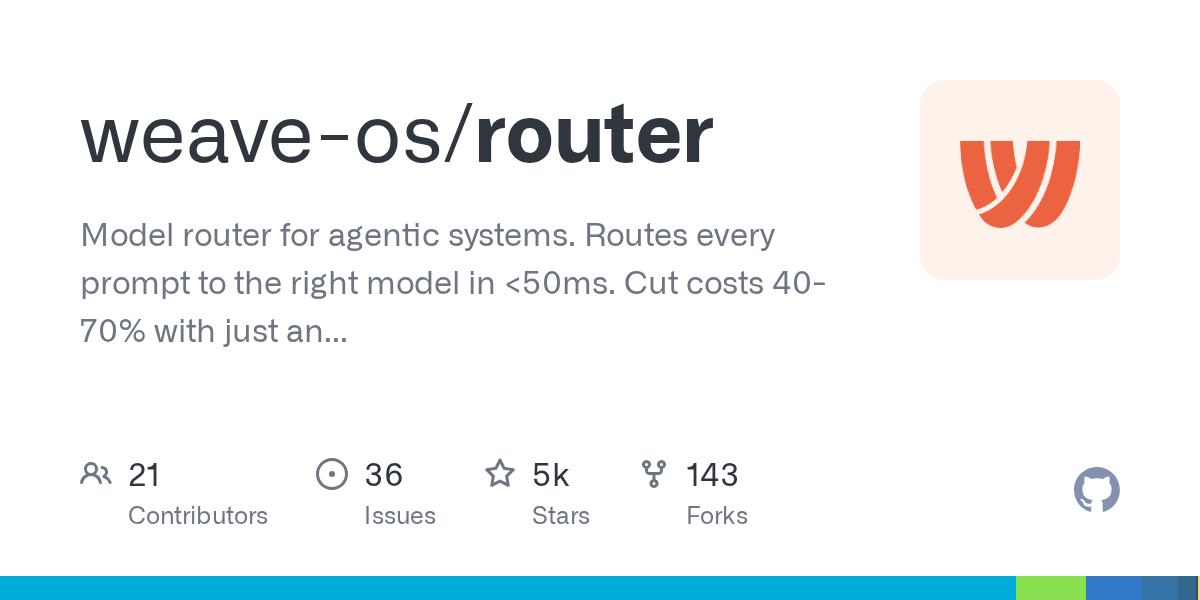
Router: Optimize AI Model Selection and Costs for Agentic Systems
September 28, 2026
The Weave-OS Router is an intelligent model router for agentic systems, optimizing AI model selection for every request. It acts as a drop-in proxy for major AI providers, routing prompts to the most suitable model in under 50ms. This solution helps users significantly cut costs, often by 40-70%, simply by changing an endpoint.
Source repository
Open the original repository on GitHub.
15 counted GitHub visits