Mercury Agent: A Soul-Driven AI with Hardened Permissions and Multi-Channel Access
This repository profile is provided by osrepos.com, an open source repository discovery platform.
Summary
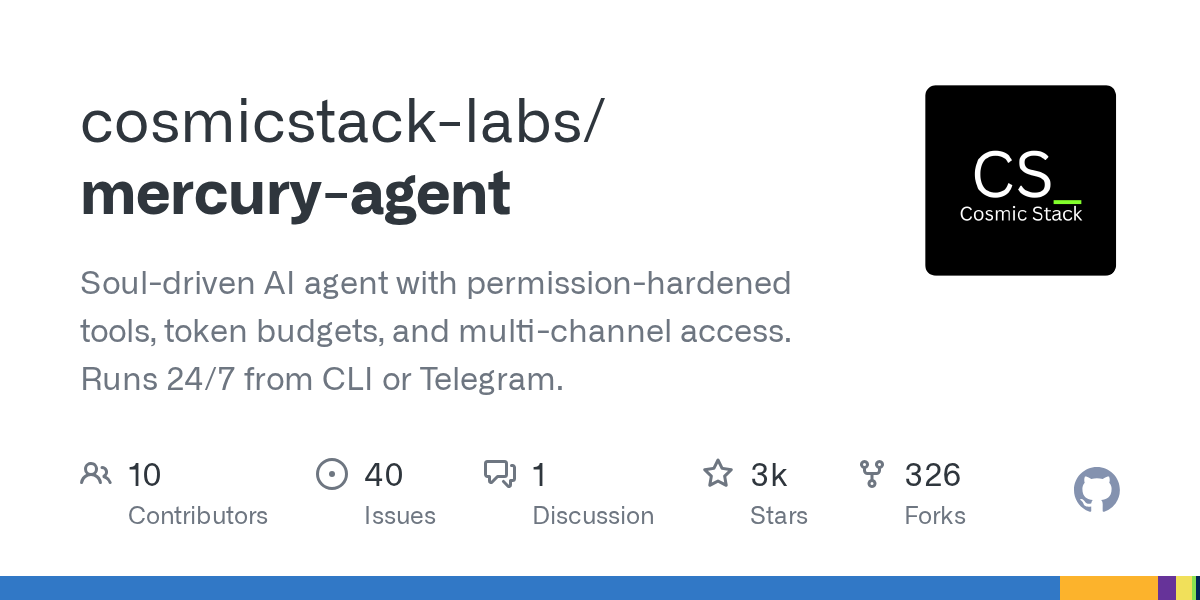
Mercury Agent is a sophisticated, soul-driven AI agent designed for continuous 24/7 operation, offering robust permission-hardened tools, intelligent token budgeting, and versatile multi-channel access. It remembers what matters, asks for permission before acting, and runs seamlessly from the CLI, Telegram, or a web dashboard. With 31 built-in tools, Kanban boards, and a SQLite-backed Second Brain memory, Mercury provides a comprehensive and secure AI assistant experience.
Repository Information
Topics
Click on any tag to explore related repositories
Use at your own risk
OSRepos shares public repositories for knowledge and discovery only. Any installation, execution, configuration, or use of code from these repositories is the user's own responsibility. Always review the repository, source code, dependencies, licenses, and security implications before running or installing anything. OSRepos is not responsible for issues, damages, or losses resulting from third-party repositories.
Introduction
Mercury Agent is a sophisticated, soul-driven AI agent developed by cosmicstack-labs, designed for continuous 24/7 operation. It offers a unique blend of permission-hardened tools, intelligent token budgeting, and versatile multi-channel access, including CLI, Telegram, and a dedicated web dashboard. Mercury remembers crucial information, always seeks permission before executing actions, and integrates 31 built-in tools, Kanban boards, extensible skills, and a SQLite-backed Second Brain memory for a truly comprehensive AI assistant experience.
Installation
Getting started with Mercury Agent is straightforward. The recommended method involves a simple one-liner script that downloads the latest standalone binary for your operating system, requiring no prior Node.js installation.
For macOS / Linux:
curl -fsSL https://mercuryagent.sh/install.sh | sh
For Windows:
irm https://mercuryagent.sh/install.ps1 | iex
Alternatively, if you have Node.js 20+ installed, you can use npm:
npx @cosmicstack/mercury-agent
Upon first run, Mercury will guide you through a setup wizard to configure your agent's name, provider, and optional Telegram integration. You can reconfigure settings at any time using the mercury doctor command.
Examples
Mercury Agent provides a rich set of commands for interaction, both from the command line and directly within chat conversations.
CLI Commands:
mercury up: Installs the service, starts the daemon, and ensures Mercury is running persistently.mercury doctor: Reconfigure setup, including name, providers, channels, and permissions.mercury upgrade: Upgrade Mercury to its latest version.mercury skills install <id>: Install community-contributed skills from the registry.
In-Chat Commands (CLI and Telegram):
/help: Display the full manual for in-chat commands./status: Show agent configuration, budget, and usage statistics./budget: Check your daily token budget status, override it for a request, or reset usage./permissions: Change the agent's permission mode between "Ask Me" and "Allow All"./memory: View and manage your Second Brain memory.
Why Use Mercury Agent?
Mercury Agent stands out with several core principles that enhance its utility and security:
- Permission-hardened: It prioritizes security by implementing a shell blocklist, folder-level read/write scoping, and a pending approval flow, ensuring no actions are taken without explicit consent.
- Second Brain: Features a persistent, structured memory powered by SQLite + FTS5, enabling Mercury to learn your preferences, goals, and habits automatically without manual entry.
- Soul-driven: Its personality is defined by markdown files you own, such as
soul.mdandpersona.md, offering a truly personalized AI experience free from corporate wrappers. - Token-aware: Enforces daily token budgets, automatically becoming concise when usage is high, and provides commands to manage your budget.
- Live streaming: Offers real-time token streaming on the CLI with cursor-save/restore and markdown re-rendering, and editable status messages on Telegram.
- Always on: Can run as a background daemon on any OS, with auto-restarts on crashes, starting on boot, and proactive notifications.
- Extensible: Supports installing community skills with a single command, based on the Agent Skills specification, allowing for broad functionality expansion.
Links
- GitHub Repository: https://github.com/cosmicstack-labs/mercury-agent
- NPM Package: https://www.npmjs.com/package/@cosmicstack/mercury-agent
- Skills Registry: https://skills.mercuryagent.sh
- Discord Community: https://discord.gg/5emMpMJy5J
Related repositories
Similar repositories that may be relevant next.
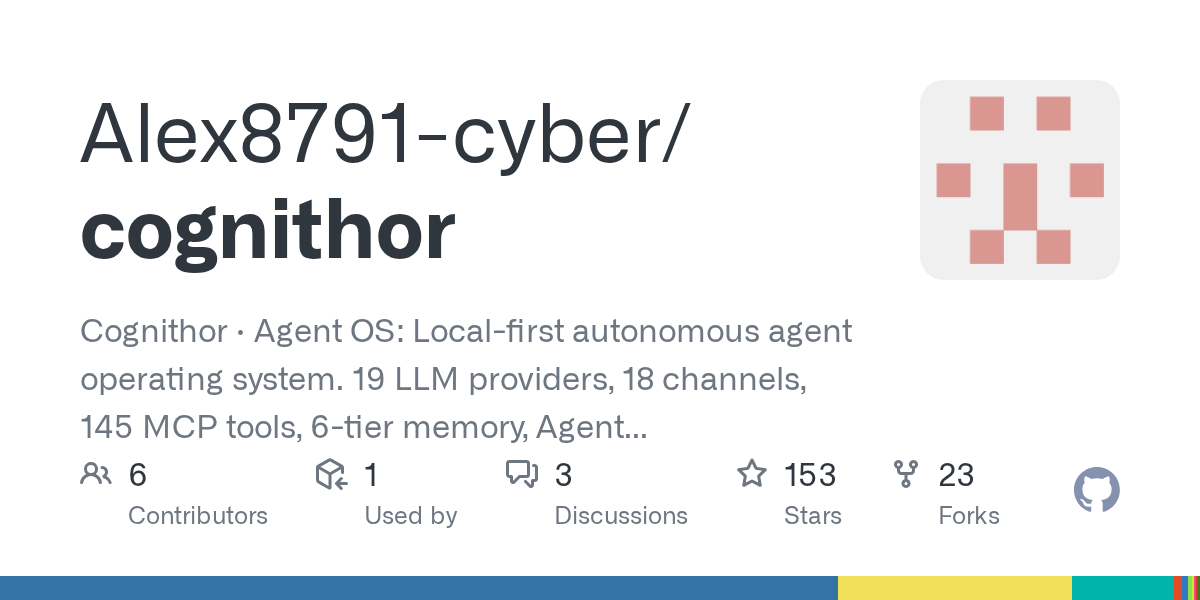
Cognithor: A Local-First Autonomous Agent OS for AI Automation
August 28, 2026
Cognithor is an innovative local-first autonomous agent operating system designed for AI experimentation and personal automation. It supports 19 LLM providers, 17 communication channels, and features a 6-tier cognitive memory system, ensuring all your data remains private on your machine. This powerful Python-based platform offers extensive capabilities for managing tasks, knowledge, and automated workflows.
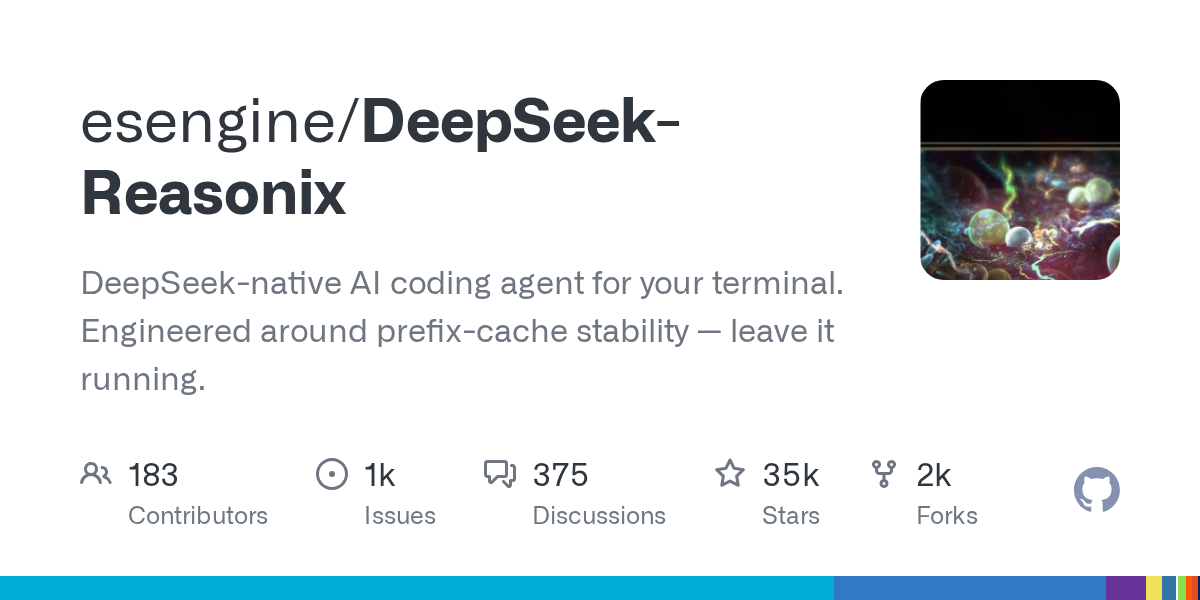
DeepSeek-Reasonix: Your AI Coding Agent for the Terminal
August 26, 2026
DeepSeek-Reasonix is an AI coding agent designed for your terminal, offering a stable and persistent environment for development tasks. Engineered with prefix-cache stability, it allows you to leave it running for continuous autonomous operation. This tool integrates seamlessly into various workflows, from CLI to VS Code, enhancing productivity with AI assistance.
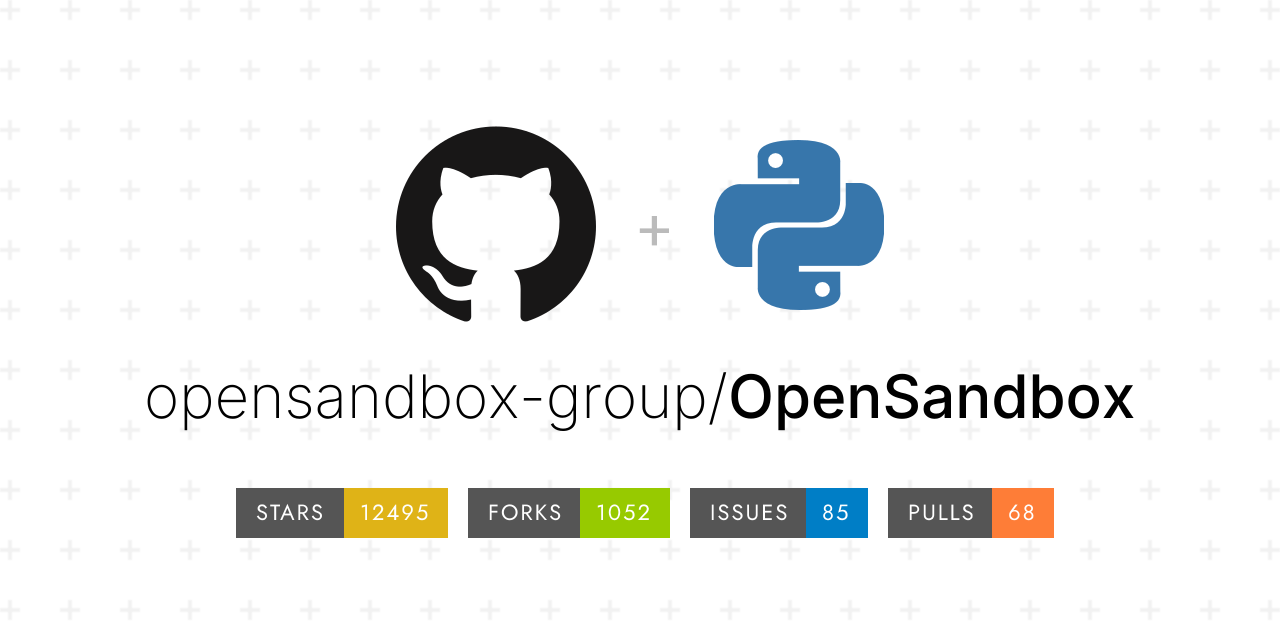
OpenSandbox: A Secure and Extensible Sandbox Runtime for AI Agents
August 12, 2026
OpenSandbox is a powerful, general-purpose sandbox platform designed for AI applications. It provides secure, fast, and extensible runtime environments, supporting multi-language SDKs and Docker/Kubernetes deployments. This project is ideal for developing and evaluating AI agents in isolated, controlled settings.
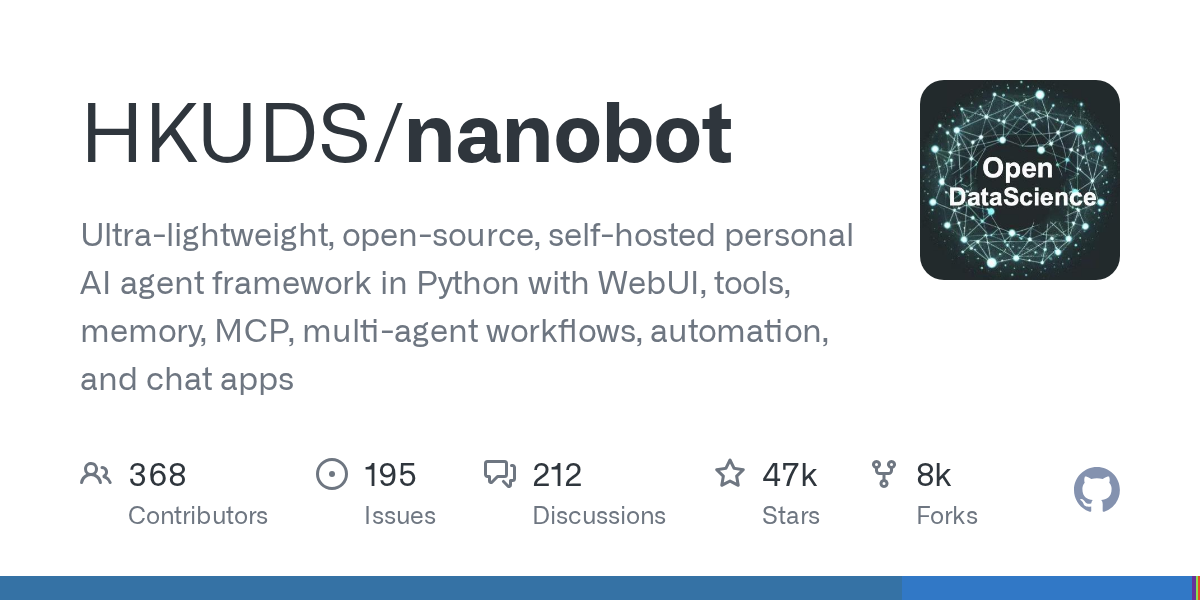
nanobot: An Ultra-Lightweight, Self-Hosted Personal AI Agent Framework
August 9, 2026
nanobot is an ultra-lightweight, open-source, self-hosted personal AI agent framework built in Python. It offers a WebUI, tools, memory, multi-agent workflows, and automation capabilities, making it a versatile solution for personal AI tasks. Users can deploy it across various platforms, including chat apps, for seamless integration.
Source repository
Open the original repository on GitHub.
18 counted GitHub visits