code-session-memory: Automatic Vector Memory for AI Coding Sessions
This repository profile is provided by osrepos.com, an open source repository discovery platform.
Summary
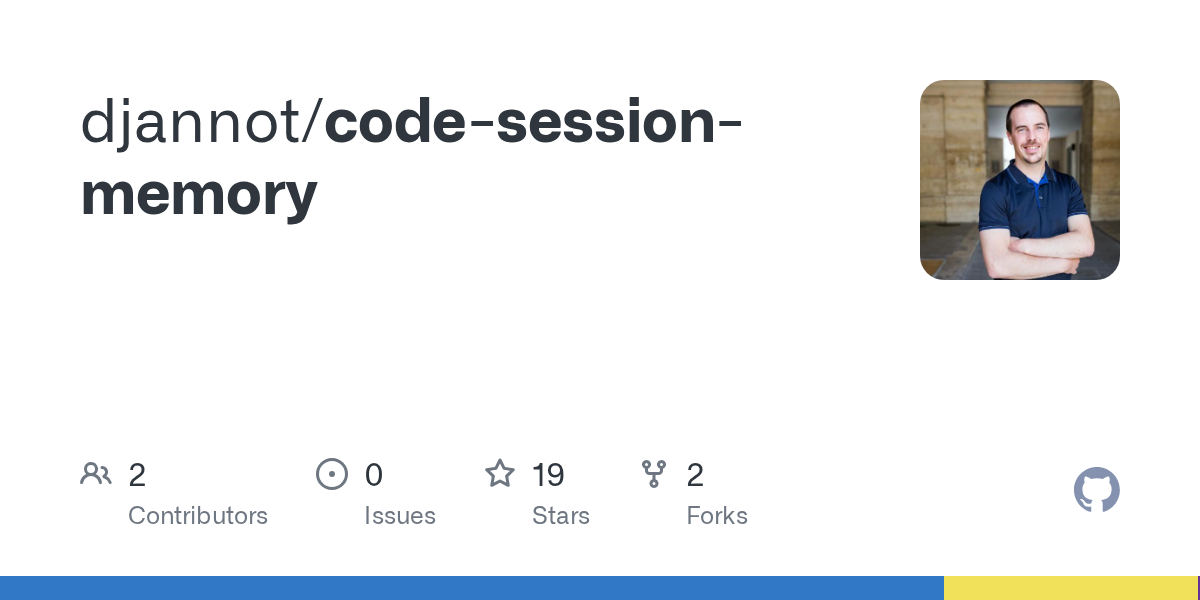
code-session-memory provides automatic vector memory for various AI coding tools like OpenCode, Claude Code, Cursor, VS Code, Codex, and Gemini CLI. It indexes new messages into a vector database after each AI agent turn, enabling semantic search across all your past coding sessions. This tool ensures memory is shared across different platforms, enhancing developer productivity.
Repository Information
Topics
Click on any tag to explore related repositories
Use at your own risk
OSRepos shares public repositories for knowledge and discovery only. Any installation, execution, configuration, or use of code from these repositories is the user's own responsibility. Always review the repository, source code, dependencies, licenses, and security implications before running or installing anything. OSRepos is not responsible for issues, damages, or losses resulting from third-party repositories.
Introduction
code-session-memory is an innovative open-source project that provides automatic vector memory for your AI coding sessions. It integrates seamlessly with popular AI development tools such as OpenCode, Claude Code, Cursor, VS Code, Codex, and Gemini CLI. The core idea is to prevent losing context from your past AI interactions by automatically indexing new messages into a vector database after each agent turn. This enables powerful semantic search capabilities, allowing both you and your AI agent to retrieve relevant information from previous sessions, regardless of the tool used.
Installation
To get started with code-session-memory, you'll need a few prerequisites and a simple installation command.
Prerequisites
- Node.js ? 18
- An OpenAI API key (for
text-embedding-3-large) - At least one supported tool installed (OpenCode, Claude Code, Cursor, VS Code, Codex, or Gemini CLI)
Install
Run the following command to set up code-session-memory for all detected tools on your machine:
npx code-session-memory install
This command automatically configures plugins, hooks, skills, and MCP server entries for OpenCode, Claude Code, Cursor, VS Code, Codex, and Gemini CLI. All tools will share the same local SQLite database by default, located at ~/.local/share/code-session-memory/sessions.db, and the same MCP server for querying past sessions. Remember to restart your AI coding tool to activate the changes.
Set Your API Key
Ensure your OpenAI API key is set as an environment variable:
export OPENAI_API_KEY=sk-...
It's recommended to add this to your shell profile (.bashrc, .zshrc, etc.) for persistent access.
Examples
Once installed, memory indexing is fully automatic. Here are some ways to interact with your indexed sessions.
Verify Installation
You can check the status of your installation and database with:
npx code-session-memory status
This command provides an overview of your database, indexed chunks, tracked sessions, and the installation status for each integrated tool.
Querying from the CLI
Search your indexed sessions directly from the terminal using natural language queries:
npx code-session-memory query "authentication middleware"
npx code-session-memory query "auth flow" --source opencode
npx code-session-memory query "error handling" --from 2026-02-01 --to 2026-02-20
You can filter results by source tool, limit the number of results, and specify date ranges.
Browsing Sessions
An interactive CLI browser allows you to inspect and manage your sessions:
npx code-session-memory sessions
From here, you can print a session's full content, compact it for restarting a new session (generating a summary of context, key decisions, current state, and unresolved issues), or delete it.
Web UI
For a comprehensive visual experience, code-session-memory offers a full-featured web interface:
npx code-session-memory web
Open http://localhost:3333 in your browser to access a dashboard with search, session browsing, detailed session analytics, and status information.
Asking the Agent About Past Sessions
The installed skill teaches your AI agent when and how to use these memory tools. You can prompt your agent with questions like:
- "How did we implement the authentication middleware last week?"
- "Have we discussed this error before?"
- "What was our decision about the database schema?"
Why Use It
code-session-memory significantly boosts developer productivity by addressing the challenge of context loss in AI-assisted coding.
- Seamless Cross-Tool Memory: It unifies your coding memory across various AI tools, ensuring that knowledge gained in one session is accessible in another, regardless of the platform.
- Intelligent Semantic Search: Leverage natural language queries to semantically search through all your past interactions, quickly retrieving relevant code snippets, decisions, or discussions.
- Efficient Session Management: Tools for browsing, summarizing, and deleting sessions, both via CLI and a user-friendly web interface, give you full control over your coding history.
- Flexible and Scalable Storage: Choose between a local SQLite database for simplicity or a centralized PostgreSQL with
pgvectorbackend for sharing memory across multiple machines or using managed services like Supabase. - Optimized Performance: Incremental indexing ensures that only new messages are processed, making each indexing pass fast and efficient, even for long sessions.
- Structured Analytics: Gain insights into your coding process with detailed analytics on message counts, tool usage, and active session duration.
Links
- GitHub Repository: djannot/code-session-memory
Related repositories
Similar repositories that may be relevant next.
lat.md: A Knowledge Graph for Your Codebase, Written in Markdown
September 26, 2026
lat.md is an innovative tool that transforms your codebase knowledge into an interconnected graph of markdown files. It helps both AI agents and human developers quickly understand project architecture, business logic, and design decisions. By integrating directly into your project, lat.md ensures documentation remains consistent and up-to-date.
TeamAI-CLI: Empowering Teams to Become AI Native with a Git-Based Foundation
September 24, 2026
TeamAI-CLI, developed by Tencent, is a powerful command-line interface aimed at making every team AI native. It offers a unified, Git-based platform for teams to collaborate, learn, and continuously improve with AI. This tool transforms individual AI capabilities into shared team assets, integrating AI agents, machines, and team members for enhanced efficiency.
LLM Wiki: Build a Self-Maintaining, Interlinked Knowledge Base with AI
September 23, 2026
LLM Wiki is a powerful cross-platform desktop application designed to transform your documents into an organized, interlinked knowledge base automatically. Unlike traditional RAG systems, it incrementally builds and maintains a persistent wiki from your sources, ensuring knowledge is compiled once and kept current. This innovative approach offers a dynamic and evolving personal knowledge management solution.
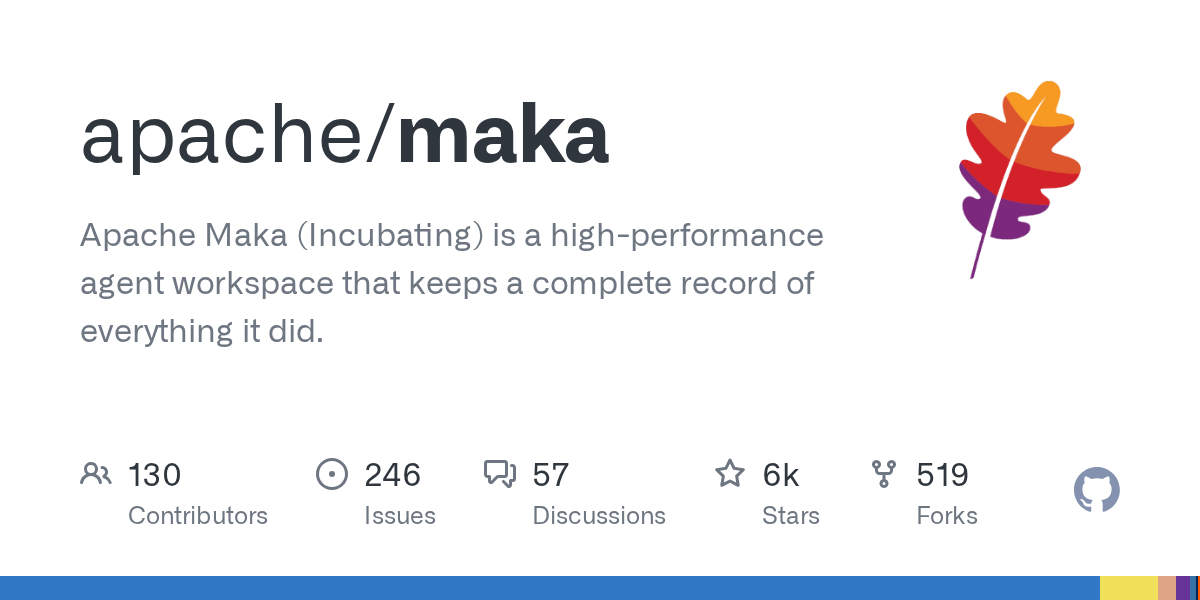
Maka: A High-Performance Agent Workspace for AI Tasks
September 21, 2026
Apache Maka (Incubating) is a high-performance agent workspace designed to maintain a complete, append-only record of all agent actions. It focuses on measurable performance, local-first operation, and robust recovery mechanisms. This project provides a unified execution authority for desktop, TUI, and CLI clients, ensuring consistent agent behavior across platforms.
Source repository
Open the original repository on GitHub.
10 counted GitHub visits