OpenHands: AI-Driven Development with Agent Canvas
This repository profile is provided by osrepos.com, an open source repository discovery platform.
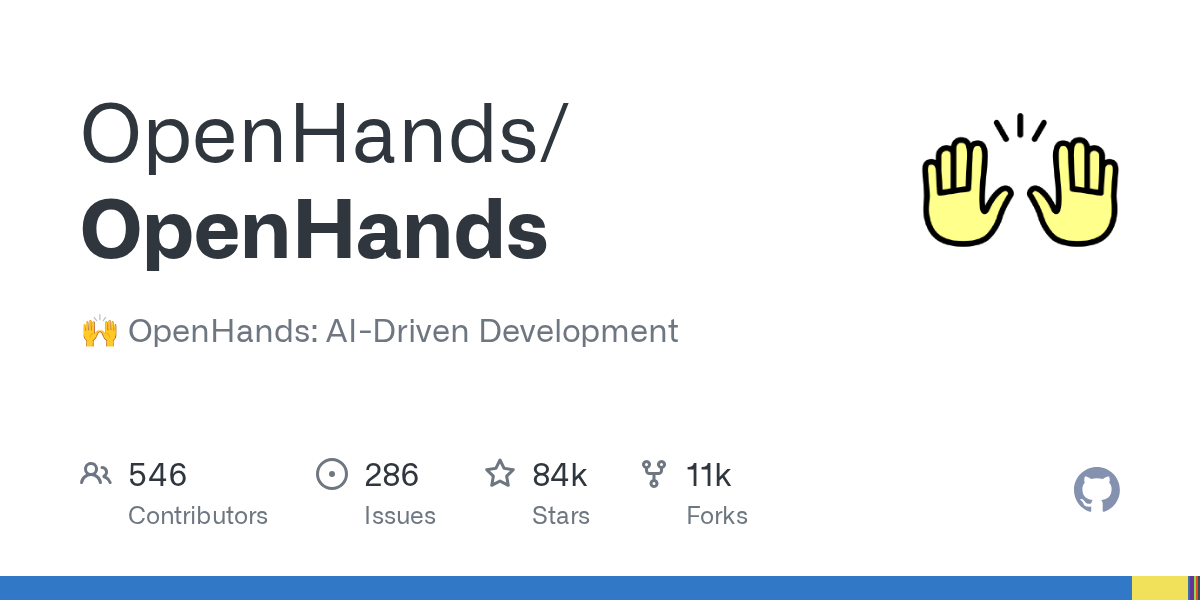
Summary
OpenHands Agent Canvas is a self-hosted developer control center designed for coding agents and automations. It allows users to run various AI agents, including OpenHands, Claude Code, and Codex, across local, remote, and cloud backends. This powerful platform helps automate everyday development tasks, turning coding agents into an always-on engineering team.
Repository Information
Topics
Click on any tag to explore related repositories
Use at your own risk
OSRepos shares public repositories for knowledge and discovery only. Any installation, execution, configuration, or use of code from these repositories is the user's own responsibility. Always review the repository, source code, dependencies, licenses, and security implications before running or installing anything. OSRepos is not responsible for issues, damages, or losses resulting from third-party repositories.
Introduction
OpenHands Agent Canvas is a powerful, self-hosted developer control center for coding agents and automations. It transforms your coding agents into an always-on engineering team, enabling you to start conversations and automate tasks like generating reports or decomposing GitHub issues. The platform supports running OpenHands, Claude Code, Codex, Gemini, or any ACP-compatible agent across various backends, from local machines to cloud infrastructure.
Installation
OpenHands Agent Canvas can be installed and run on various machines, including laptops, dedicated computers, or cloud servers. Running it on a server in the cloud is recommended for continuous operation and easier integration with third-party services.
Option 1: Without a Sandbox
This method runs the agent-server directly on your machine, granting it full filesystem access.
Prerequisites: Node.js 22.12.x or later, uv
npm install -g @openhands/agent-canvas
agent-canvas
The agent-canvas command starts the full local stack. You can also run frontend or backend separately:
agent-canvas --frontend-only  # static frontend + ingress only
agent-canvas --backend-only   # agent server + automation backend + ingress only
Option 2: With a Docker Sandbox
This option provides a sandboxed environment using Docker.
Prerequisites:
- Docker: Docker Desktop on macOS/Windows, or Docker Engine/Docker Desktop on Linux.
- A host directory for
PROJECTS_PATHcontaining project folders the agent needs to access. Create it before starting the container.
macOS / Linux:
export PROJECTS_PATH="$HOME/projects"  # directory containing your project folders
mkdir -p "$HOME/projects" "$HOME/.openhands"

docker run -it --rm \
  -p 8000:8000 \
  -v "$HOME/.openhands:/home/openhands/.openhands" \
  -v "${PROJECTS_PATH}:/projects" \
  ghcr.io/openhands/agent-canvas:1.12.0
The agent will be able to access any project under PROJECTS_PATH.
Access the UI at http://localhost:8000 for npm/source launchers, or http://localhost:8000/canvas for the Docker image. Additional backends can be added from the UI.
Examples of Use
OpenHands Agent Canvas excels at automating development workflows and integrating with existing tools. You can create automations and workflows that interact with services like Slack, GitHub, and Linear. For instance, agents can be configured to generate reports and publish them to Slack, or automatically decompose GitHub issues into smaller, manageable tasks. This enables a seamless integration of AI agents into your daily development operations, enhancing productivity and consistency.
Why Use OpenHands Agent Canvas?
OpenHands Agent Canvas offers several compelling reasons for developers and teams:
- Self-Hosted Flexibility: Run agents locally, in Docker, on VMs, or within your company infrastructure, maintaining full control over your data and environment.
- Backend Versatility: Seamlessly switch between local, remote, and cloud agents without losing context, adapting to your specific needs.
- Powerful Automations: Create sophisticated automations and workflows that integrate with popular services like Slack, GitHub, and Notion, running on schedules or in response to webhook events.
- LLM and Agent Agnostic: Use with any Large Language Model (LLM) and any agent compatible with the Agent-Client Protocol (ACP), including OpenHands, Claude Code, and Codex.
- Developer Control: Provides a centralized control center for managing and orchestrating your AI coding agents, enhancing efficiency and consistency in development tasks.
Links
For more information, documentation, and community engagement, please refer to the official links:
Related repositories
Similar repositories that may be relevant next.
Memoh: An Open-Source Multi-Agent Platform with Dedicated AI Workspaces
September 26, 2026
Memoh is an innovative open-source multi-agent platform designed to provide each AI agent with its own dedicated cloud computer. This includes a filesystem, desktop, browser, network, and persistent long-term memory, ensuring agents remain online 24/7. Users can integrate their own API keys or host existing AI models, fostering a versatile and always-on environment for AI development and deployment.
Graphon: A Python Graph Execution Engine for Agentic AI Workflows
September 26, 2026
Graphon is an innovative Python-based graph execution engine designed for building agentic AI workflows. It provides a robust framework for orchestrating complex AI tasks, featuring event-driven execution, graph validation, and shared runtime state. This evolving repository already includes a functional engine, built-in nodes, and end-to-end examples for developers.
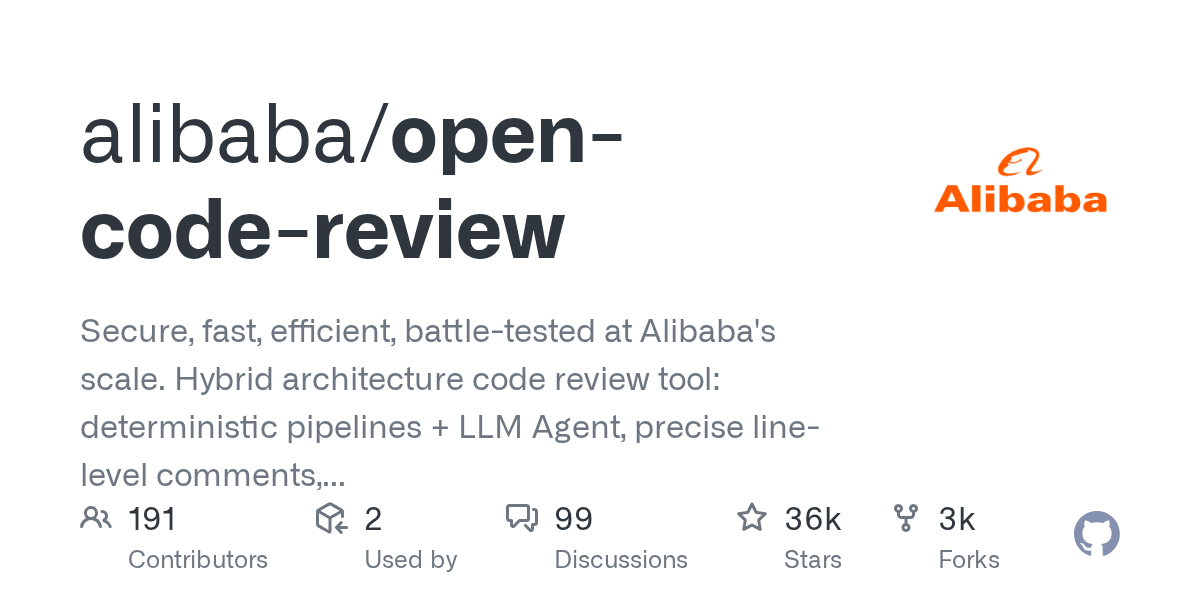
Open Code Review: AI-Powered Code Review Tool from Alibaba
September 18, 2026
Open Code Review is an AI-powered command-line interface tool for code review, battle-tested at Alibaba's scale. It leverages a hybrid architecture, combining deterministic engineering with an LLM agent, to provide secure, fast, and efficient code analysis. This tool generates precise, line-level comments and supports a multi-language ruleset, ensuring high-quality code reviews.
Awesome-Self-Evolving-Agents: A Curated List for AI Agent Research
September 14, 2026
Awesome-Self-Evolving-Agents is a comprehensive GitHub repository offering a curated collection of resources on self-evolving agents. It includes a systematic survey, research papers, benchmarks, and open-source projects, providing valuable insights into this rapidly advancing field of AI. This repository serves as an essential guide for researchers and developers exploring model-centric, environment-centric, and co-evolutionary approaches.
Source repository
Open the original repository on GitHub.
20 counted GitHub visits