node-google-backup: Automated Local Backups for Google Mail, Calendar, and Contacts
This repository profile is provided by osrepos.com, an open source repository discovery platform.

Summary
node-google-backup is a powerful command-line utility designed to automatically back up your Google Mail, Calendar, and Contacts to local files. This JavaScript-based tool ensures your critical data is safely stored offline, providing peace of mind against account lockouts or data loss. It efficiently syncs only new mails, contacts, and events, making subsequent backups quick and resource-friendly.
Repository Information
Topics
Click on any tag to explore related repositories
Use at your own risk
OSRepos shares public repositories for knowledge and discovery only. Any installation, execution, configuration, or use of code from these repositories is the user's own responsibility. Always review the repository, source code, dependencies, licenses, and security implications before running or installing anything. OSRepos is not responsible for issues, damages, or losses resulting from third-party repositories.
Introduction
node-google-backup is an efficient command-line utility developed by WeeJeWel, designed to automate the backup of your Google Mail, Calendar, and Contacts to local files. This JavaScript-based tool ensures your valuable data is securely stored offline, offering peace of mind against potential account lockouts or data loss. It intelligently syncs only new mails, contacts, and events, making subsequent backup operations fast and resource-efficient. With 408 stars and 16 forks, it's a well-regarded project licensed under GPL-3.0.
The utility creates a structured local directory, organizing your data into Contacts (VCF files), Calendar (ICS files), and Mail (EML files, categorized by ID, Thread, and Label).
Installation
Before running node-google-backup, you need to create a Google App Password. This provides a secure way for the utility to access your Google services without using your main account password. You can generate one at https://myaccount.google.com/apppasswords.
Once you have your App Password, you can run the utility using Node.js or Docker.
Examples
Node.js
If you have Node.js installed, you can execute the utility directly using npx:
$ npx -y google-backup \
  --username "john.doe@gmail.com" \
  --password "abcd efgh ijkl mnop" \
  --filepath "~/Backups/Google/"
This command will download your Google data to the specified filepath. For automated backups, consider scheduling this command as a cron job.
Docker
For those who prefer containerized environments, node-google-backup is also available as a Docker image:
$ docker run \
  --env GOOGLE_BACKUP_USERNAME="john.doe@gmail.com" \
  --env GOOGLE_BACKUP_PASSWORD="abcd efgh ijkl mnop" \
  --env GOOGLE_BACKUP_FILEPATH="/backups" \
  --env GOOGLE_BACKUP_SERVICES="mail,calendar,contacts" \
  --volume="~/Backups/Google/:/backups/" \
  ghcr.io/weejewel/google-backup
This Docker command mounts a local directory to store the backups and uses environment variables for configuration.
Why Use It?
While Google provides excellent services, there are numerous accounts of individuals being locked out of their accounts, leading to potential loss of critical personal data. node-google-backup addresses this concern by empowering you to maintain local copies of your Google Mail, Calendar, and Contacts. This ensures that you always have access to your data, regardless of your Google account status, providing an essential layer of personal data security and control.
Links
- GitHub Repository: https://github.com/WeeJeWel/node-google-backup
- NPM Package: https://npmjs.com/package/google-backup
- Create Google App Password: https://myaccount.google.com/apppasswords
- Related Project, iCloud Backup: https://github.com/WeeJeWel/node-icloud-backup
Related repositories
Similar repositories that may be relevant next.
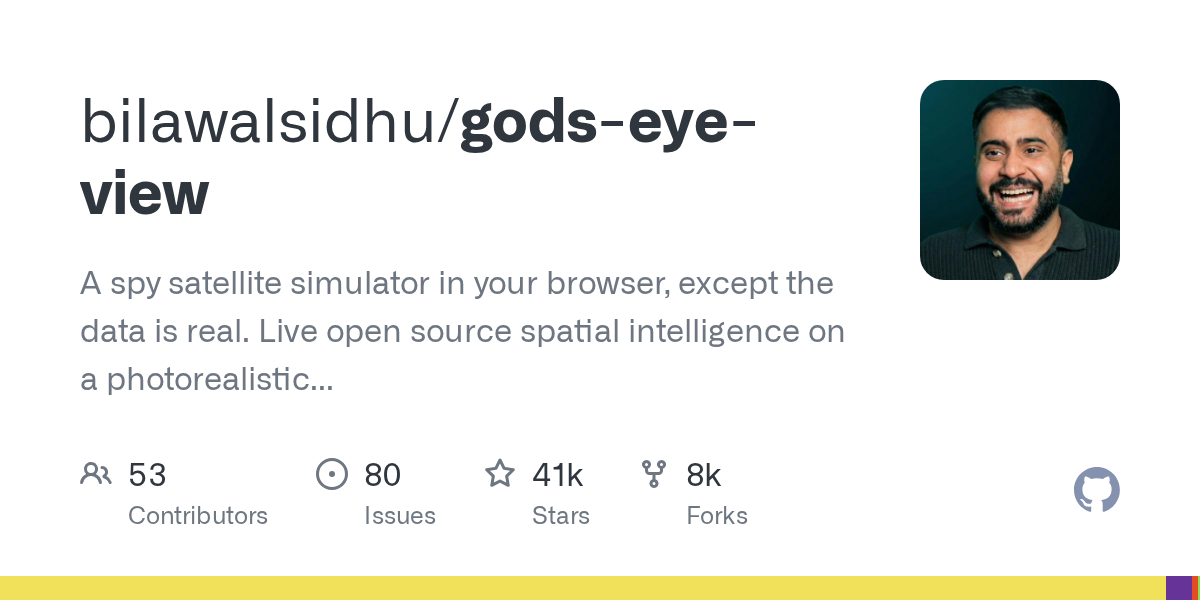
God's Eye View: Real-time Spatial Intelligence on a Photorealistic 3D Globe
September 23, 2026
God's Eye View is an open-source project that transforms your browser into a spy satellite simulator, leveraging real, public data for live spatial intelligence. It presents a photorealistic 3D globe, visualizing live aircraft, ships, satellites, and environmental events. This tool offers an interactive and inspectable way to understand global activity.
Agent-Memory: Persistent Memory for AI Coding Agents
August 16, 2026
Agent-Memory provides persistent memory for AI coding agents, ensuring they remember past interactions and learned patterns across sessions. Built on the iii engine, it eliminates the need for re-explaining context, significantly improving agent efficiency and reducing token usage. This solution integrates seamlessly with various agents, offering a robust memory management system.
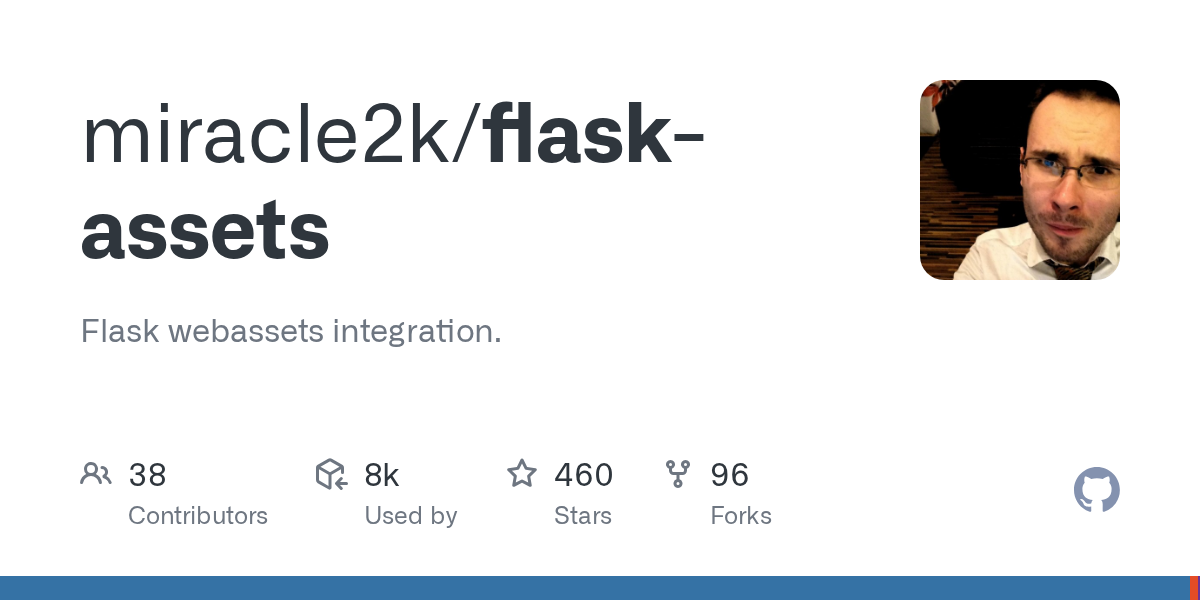
Flask-Assets: Seamless Asset Management for Flask Applications
July 26, 2026
Flask-Assets provides robust integration of the `webassets` library with Flask. It simplifies the process of merging, minifying, and compiling CSS and JavaScript files, significantly enhancing web application performance and streamlining development workflows.
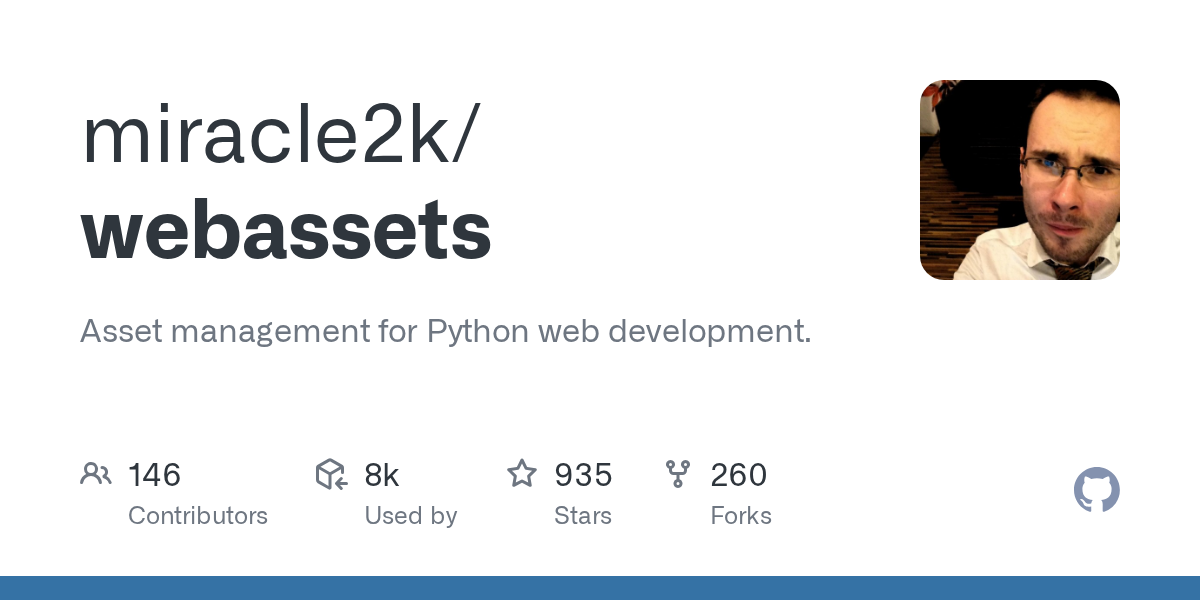
webassets: Asset Management for Python Web Development
July 26, 2026
webassets is a robust library designed for asset management in Python web development. It simplifies the process of merging and compressing JavaScript and CSS files, enhancing application performance. This tool is essential for developers looking to optimize their frontend assets efficiently.
Source repository
Open the original repository on GitHub.
14 counted GitHub visits