nanobot vs swarmclaw
Self-hosted AI agent frameworks compared
nanobot and swarmclaw both let people run self-hosted AI agents with tools, memory, schedules, and messaging integrations. nanobot focuses on a customizable personal-agent framework, while swarmclaw emphasizes a control plane for configuring and coordinating agents as teams.
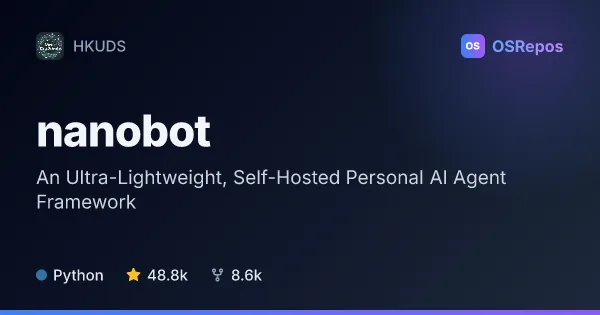
nanobot: Run a Self-Hosted Personal AI Agent
nanobot is a Python framework for running a personal AI agent through a browser, terminal, or chat apps. It combines model integrations with tools, memory, MCP, and scheduled workflows for people who want a customizable agent they can host themselves.
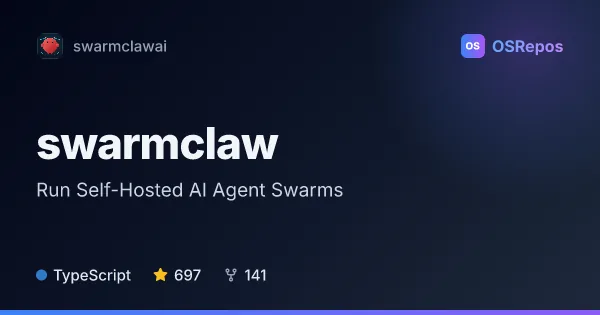
swarmclaw: Run Self-Hosted AI Agent Swarms
SwarmClaw is a self-hosted AI agent runtime and multi-agent framework built with TypeScript for Node.js. It coordinates agents with persistent memory, tools, schedules, and delegation across supported model providers and runtimes.
| nanobot | swarmclaw | |
|---|---|---|
| Language | Python | TypeScript |
| License | MIT | MIT |
| Stars | 48.8k | 697 |
| Forks | 8.6k | 141 |
| Last analyzed | Oct 3, 2026 | Oct 26, 2026 |
Key differences
- nanobot is a Python framework with browser and terminal interfaces; swarmclaw is a TypeScript runtime and control plane with a dashboard and desktop, npm, and Docker deployment options.
- nanobot combines conversations, memory, tools, and recurring tasks in one runtime; swarmclaw adds centralized coordination through tasks, background jobs, structured sessions, and multiple gateways.
- nanobot lists integrations with WeChat, Mattermost, and Linear; swarmclaw lists WhatsApp and CLI-based agent runtimes.
- Both use the MIT license, but nanobot has 48.8k stars and 8.6k forks, compared with swarmclaw's 688 stars and 140 forks.
- nanobot requires configuring a model provider and, for source installation, Git and Bun; swarmclaw's npm and repository setup requires Node.js 22.6 or later, with Docker also supported.
Choose nanobot if you…
- want a Python framework for a personal agent with browser or terminal access.
- need integrations such as WeChat, Mattermost, or Linear, or want its Python SDK and OpenAI-compatible API.
- want to schedule recurring work within a personal-agent runtime.
Choose swarmclaw if you…
- need a control plane to configure agents with separate models, memory, and tools.
- want to delegate work among agents and track tasks, schedules, and background jobs centrally.
- prefer TypeScript and deployment options that include Docker or a desktop app.
Compare the numbers side by side, or add more projects
This comparison is generated with AI from the OSRepos analyses of both projects. Always check each project's repository and documentation before choosing.