sshx: Fast, Collaborative Live Terminal Sharing Over the Web
This repository profile is provided by osrepos.com, an open source repository discovery platform.

Summary
sshx is an innovative open-source project that enables fast, collaborative live terminal sharing directly through your web browser. Built with Rust, it offers a secure and feature-rich environment for sharing terminal sessions, complete with real-time cursor movements, end-to-end encryption, and a globally distributed mesh network for optimal performance. This tool simplifies debugging, pair programming, and remote assistance by providing an interactive and secure way to share your command-line interface.
Repository Information
Topics
Click on any tag to explore related repositories
Use at your own risk
OSRepos shares public repositories for knowledge and discovery only. Any installation, execution, configuration, or use of code from these repositories is the user's own responsibility. Always review the repository, source code, dependencies, licenses, and security implications before running or installing anything. OSRepos is not responsible for issues, damages, or losses resulting from third-party repositories.
Introduction
sshx is a secure, web-based, collaborative terminal developed by ekzhang. It allows users to share their terminal sessions with others over the web quickly and securely. Built with Rust, sshx provides a robust platform for real-time collaboration, featuring an infinite canvas for multiple windows, real-time cursor tracking, and end-to-end encryption.
Key features include:
- Run a single command to share your terminal with anyone.
- Resize, move windows, and freely zoom and pan on an infinite canvas.
- See other people's cursors moving in real time.
- Connect to the nearest server in a globally distributed mesh.
- End-to-end encryption with Argon2 and AES.
- Automatic reconnection and real-time latency estimates.
- Predictive echo for faster local editing (à la Mosh).
Installation
Getting started with sshx is straightforward. You can install the sshx binary for your platform with a simple curl command:
curl -sSf https://sshx.io/get | sh
This command supports Linux and macOS on x86_64 and ARM64 architectures, as well as embedded ARMv6 and ARMv7-A systems. For Windows, binaries are available for x86_64, x86, and ARM64.
If you prefer to try it out without a full installation, use:
curl -sSf https://sshx.io/get | sh -s run
macOS users can also install sshx using Homebrew:
brew install sshx
Examples
sshx is particularly useful for debugging and collaboration, even in automated environments like CI/CD pipelines. Here's an example of how to integrate sshx into a GitHub Actions workflow:
name: CI
on: push

jobs:
  build:
    runs-on: ubuntu-latest
    steps:
      - uses: actions/checkout@v3

      # ... other steps ...

      - run: curl -sSf https://sshx.io/get | sh -s run
      #      ^
      #      ? This will open a remote terminal session and print the URL. It
      #        should take under a second.
This allows you to get a live terminal session for a running CI job, which can be invaluable for diagnosing complex issues. Remember to exercise caution when using this in public repositories, as logs of CI jobs are often publicly viewable.
Why Use sshx?
sshx stands out as a powerful tool for several reasons:
- Seamless Collaboration: Share your terminal instantly for pair programming, remote debugging, or educational purposes, with real-time cursor visibility.
- Enhanced Security: Benefit from end-to-end encryption using Argon2 and AES, ensuring your sessions are private and secure.
- Global Performance: Connect to the nearest server in a globally distributed mesh, providing low latency and a smooth experience.
- Ease of Access: Share and access terminal sessions directly through a web browser, eliminating the need for complex client installations for collaborators.
- Developer-Friendly: Built with Rust, it offers a robust and efficient solution, with features like predictive echo for a responsive local editing experience.
Links
- GitHub Repository: https://github.com/ekzhang/sshx
- Official Website: https://sshx.io
Related repositories
Similar repositories that may be relevant next.
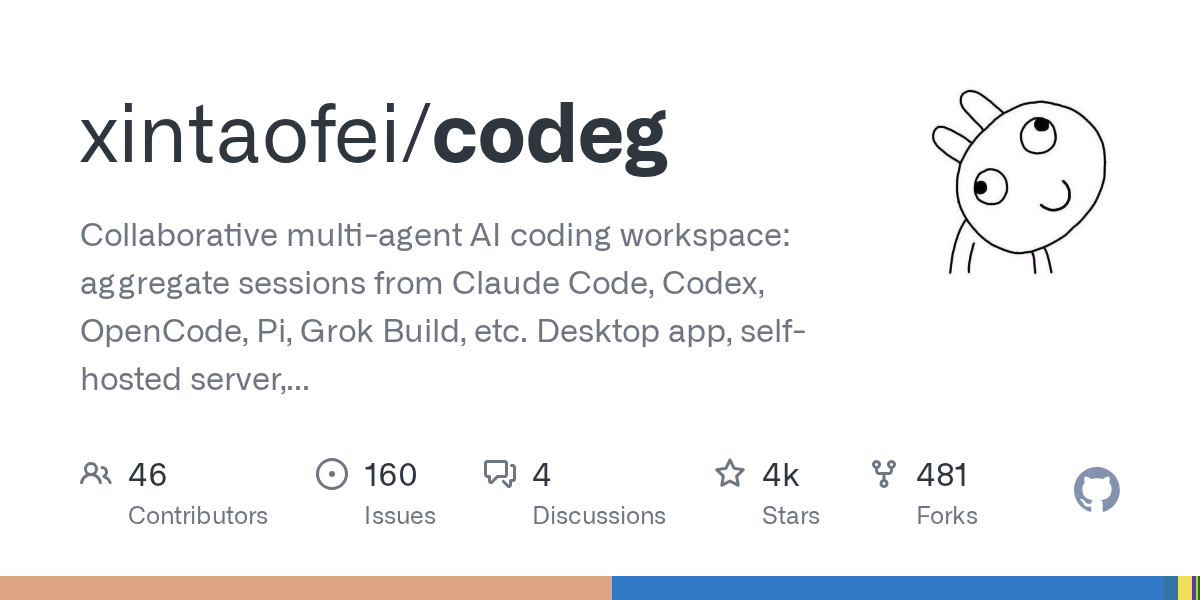
Codeg: Collaborative Multi-Agent AI Coding Workspace for Developers
September 30, 2026
Codeg (Code Generation) is an innovative multi-agent AI coding workspace built in Rust, designed to unify and enhance the developer experience. It aggregates sessions from various AI coding agents like Claude Code, Codex, and Grok Build into one searchable environment, facilitating seamless collaboration and task management. Available as a desktop app, self-hosted server, or Docker container, Codeg also offers native iOS and Android clients for on-the-go productivity.
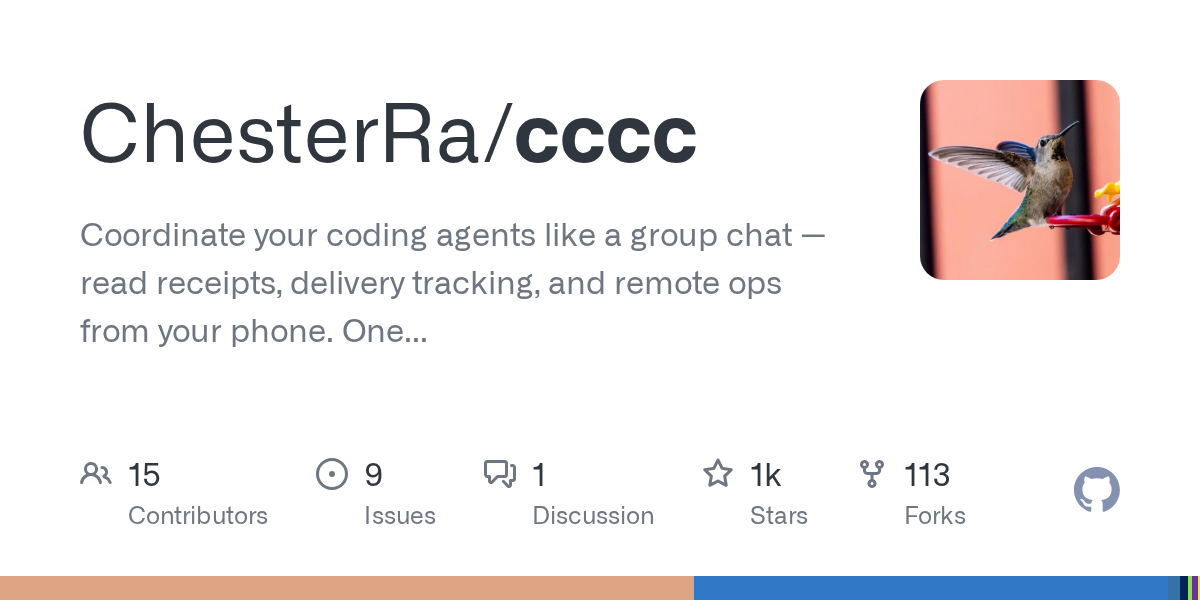
CCCC: Coordinate Your Coding Agents Like a Group Chat
September 29, 2026
CCCC is a production-minded orchestrator designed to coordinate coding agents like a group chat, offering features such as read receipts, delivery tracking, and remote operations from your phone. It enables 24/7 workflow for multi-agent teams with a single `pip install` and zero infrastructure. This tool helps manage diverse AI runtimes, ensuring persistent collaboration across different machines and trusted working groups.
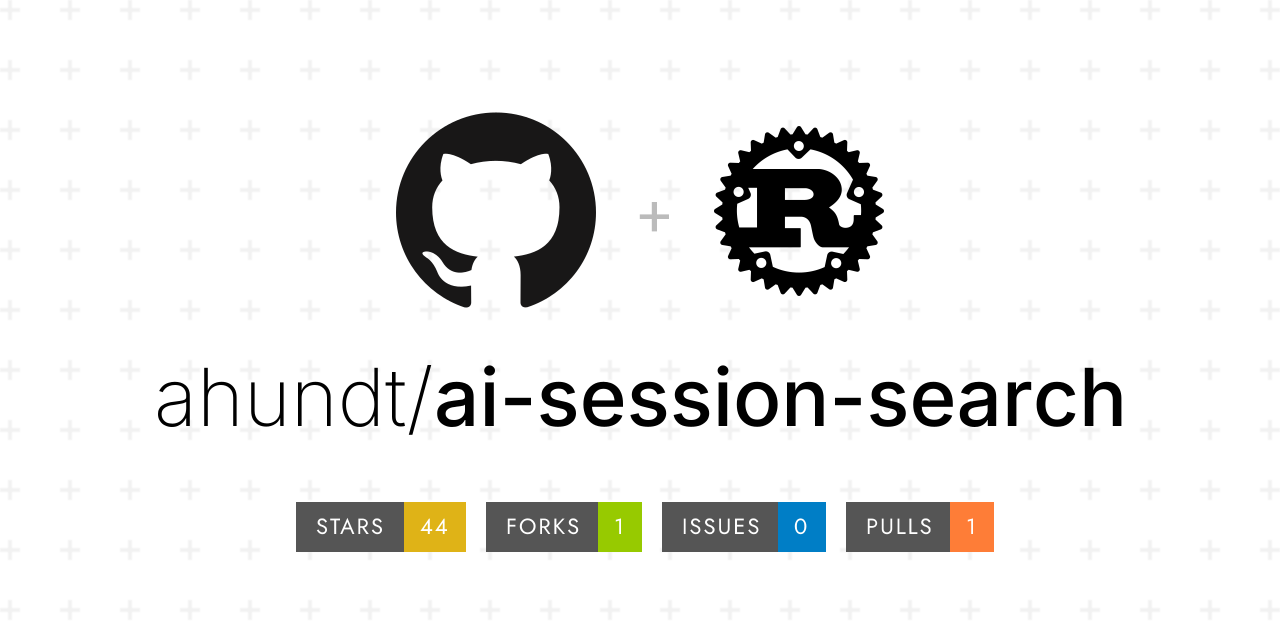
AI Session Search: Ultra-Fast AI Agent Session Analysis
September 29, 2026
AI Session Search (aise) is an ultra-fast, Rust-powered tool designed for searching and analyzing local AI agent coding sessions. It seamlessly integrates and indexes nine different session formats, including those from Claude, Codex, Cursor, and Gemini CLI. This powerful utility enables developers to quickly recover context, track agent behavior, and efficiently manage their AI-generated code history.
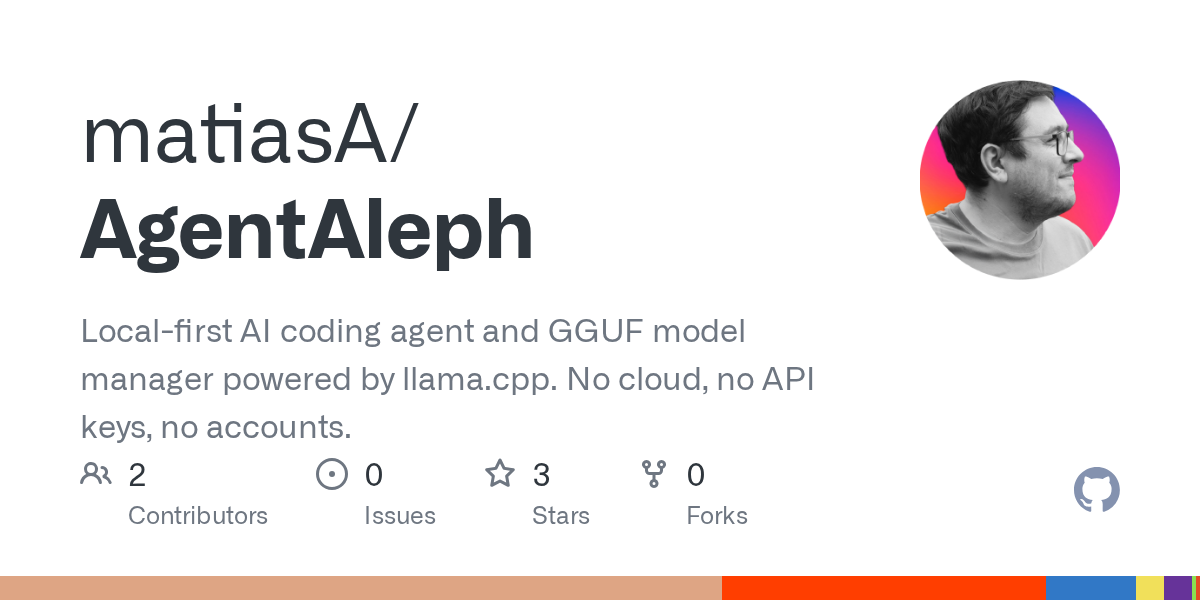
AgentAleph: Local-First AI Coding Agent and GGUF Model Manager
September 25, 2026
AgentAleph is a desktop application that combines a local-first AI coding agent with a GGUF model manager. It allows users to download, load, and manage local large language models, and then use an AI agent to interact with their projects, all without relying on cloud services or API keys. This tool emphasizes privacy and offline capability, running models directly on your machine.
Source repository
Open the original repository on GitHub.
21 counted GitHub visits