lagent: A Lightweight Framework for Building LLM-Based Agents
This repository profile is provided by osrepos.com, an open source repository discovery platform.
Summary
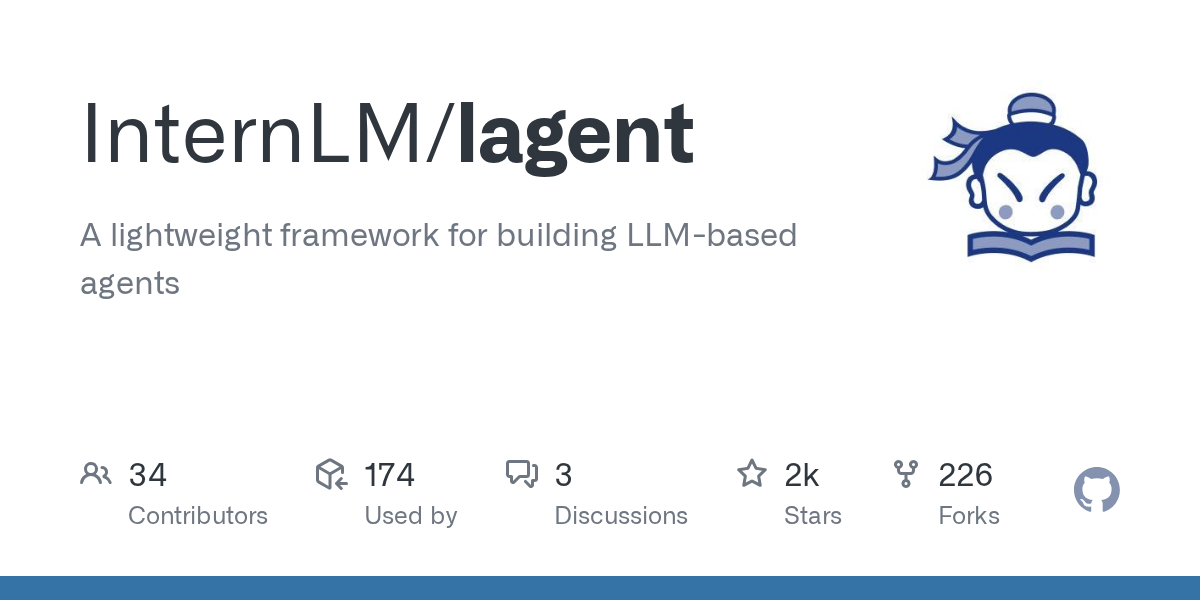
lagent is a lightweight, open-source framework developed by InternLM, designed for efficiently building large language model (LLM)-based agents. It provides a PyTorch-inspired design philosophy, making it intuitive for developers to create and manage multi-agent applications. This framework simplifies the process of agent communication, memory management, and tool integration.
Repository Information
Topics
Click on any tag to explore related repositories
Use at your own risk
OSRepos shares public repositories for knowledge and discovery only. Any installation, execution, configuration, or use of code from these repositories is the user's own responsibility. Always review the repository, source code, dependencies, licenses, and security implications before running or installing anything. OSRepos is not responsible for issues, damages, or losses resulting from third-party repositories.
Introduction
lagent, developed by InternLM, is a lightweight and open-source framework designed for building sophisticated agents powered by Large Language Models (LLMs). Inspired by the design philosophy of PyTorch, lagent offers an intuitive and clear workflow, allowing developers to focus on creating agent layers and defining message passing between them in a Pythonic way. It simplifies complex tasks like agent communication, memory management, and tool integration, making it an excellent choice for developing various LLM-based applications.
Installation
To get started with lagent, you can install it directly from the source. Follow these simple steps:
git clone https://github.com/InternLM/lagent.git
cd lagent
pip install -e .
Examples
lagent provides a flexible architecture for building and managing LLM agents. Here are some core functionalities demonstrated through examples:
Models as Agents
Agents in lagent communicate using AgentMessage. You can easily initialize an agent with an LLM and a system prompt.
from lagent.agents import Agent
from lagent.schema import AgentMessage
from lagent.llms import VllmModel, INTERNLM2_META

llm = VllmModel(
    path='Qwen/Qwen2-7B-Instruct',
    meta_template=INTERNLM2_META,
    tp=1,
    top_k=1,
    temperature=1.0,
    stop_words=['<|im_end|>'],
    max_new_tokens=1024,
)
system_prompt = 'Your answer can only be chosen from "?", "?", "?".'
agent = Agent(llm, system_prompt)

user_msg = AgentMessage(sender='user', content='Today\'s weather conditions')
bot_msg = agent(user_msg)
print(bot_msg)
Memory as State
Both input and output messages are automatically added to an agent's memory. This allows agents to maintain context throughout a conversation. You can inspect and clear an agent's memory.
memory = agent.memory.get_memory()
print(memory)
agent.reset() # Clear the memory for the current session
Flexible Response Formatting and Tool Calling
lagent supports flexible response formatting and robust tool integration. You can define custom parsers to extract structured information from LLM outputs and use ActionExecutor to invoke external tools.
from lagent.prompts.parsers import ToolParser
from lagent.actions import ActionExecutor, IPythonInteractive
from lagent.hooks import InternLMActionProcessor

system_prompt = "Analyze step by step and write Python code to solve the following problem."
parser = ToolParser(tool_type='code interpreter', begin='python\n', end='\n\n')
llm.gen_params['stop_words'].append('\n\n')
agent = Agent(llm, system_prompt, output_format=parser)

user_msg = AgentMessage(
    sender='user',
    content='Marie is thinking of a multiple of 63, while Jay is thinking of a '
    'factor of 63. They happen to be thinking of the same number. There are '
    'two possibilities for the number that each of them is thinking of, one '
    'positive and one negative. Find the product of these two numbers.')
bot_msg = agent(user_msg)
print(bot_msg.model_dump_json(indent=4))

# Execute the generated code
executor = ActionExecutor(actions=[IPythonInteractive()], hooks=[InternLMActionProcessor()])
executor_msg = executor(bot_msg)
print(executor_msg)
Dual Interfaces for Concurrency
Lagent offers both synchronous and asynchronous interfaces for almost every component, allowing for efficient debugging and large-scale inference.
from lagent.llms import VllmModel, AsyncVllmModel
from lagent.actions import ActionExecutor, AsyncActionExecutor
from lagent.agents import Agent, AsyncAgent
Why Use It
lagent stands out as a powerful framework for LLM agent development due to several key advantages:
- PyTorch-Inspired Design: Its familiar design philosophy makes it easy for machine learning developers to quickly grasp and utilize the framework.
- Lightweight and Flexible: The framework is designed to be lightweight, offering high flexibility for customizing agent behavior, message aggregation, and response parsing.
- Robust Tool Integration: Seamlessly integrate external tools like code interpreters and web browsers, enabling agents to perform complex tasks.
- Asynchronous Support: Dual synchronous and asynchronous interfaces allow for optimized performance in various scenarios, from debugging to large-scale deployments.
- Active Development: Backed by InternLM, lagent benefits from ongoing development and community support.
Links
- GitHub Repository: https://github.com/InternLM/lagent
- Documentation: https://lagent.readthedocs.io/en/latest/
- PyPI: https://pypi.org/project/lagent
- License: Apache-2.0 License
Related repositories
Similar repositories that may be relevant next.
Memoh: An Open-Source Multi-Agent Platform with Dedicated AI Workspaces
September 26, 2026
Memoh is an innovative open-source multi-agent platform designed to provide each AI agent with its own dedicated cloud computer. This includes a filesystem, desktop, browser, network, and persistent long-term memory, ensuring agents remain online 24/7. Users can integrate their own API keys or host existing AI models, fostering a versatile and always-on environment for AI development and deployment.
Graphon: A Python Graph Execution Engine for Agentic AI Workflows
September 26, 2026
Graphon is an innovative Python-based graph execution engine designed for building agentic AI workflows. It provides a robust framework for orchestrating complex AI tasks, featuring event-driven execution, graph validation, and shared runtime state. This evolving repository already includes a functional engine, built-in nodes, and end-to-end examples for developers.
Open Code Review: AI-Powered Code Review Tool from Alibaba
September 18, 2026
Open Code Review is an AI-powered command-line interface tool for code review, battle-tested at Alibaba's scale. It leverages a hybrid architecture, combining deterministic engineering with an LLM agent, to provide secure, fast, and efficient code analysis. This tool generates precise, line-level comments and supports a multi-language ruleset, ensuring high-quality code reviews.
Awesome-Self-Evolving-Agents: A Curated List for AI Agent Research
September 14, 2026
Awesome-Self-Evolving-Agents is a comprehensive GitHub repository offering a curated collection of resources on self-evolving agents. It includes a systematic survey, research papers, benchmarks, and open-source projects, providing valuable insights into this rapidly advancing field of AI. This repository serves as an essential guide for researchers and developers exploring model-centric, environment-centric, and co-evolutionary approaches.
Source repository
Open the original repository on GitHub.
20 counted GitHub visits