Hermes WebUI: A Powerful Web Interface for Your Autonomous AI Agent
This repository profile is provided by osrepos.com, an open source repository discovery platform.
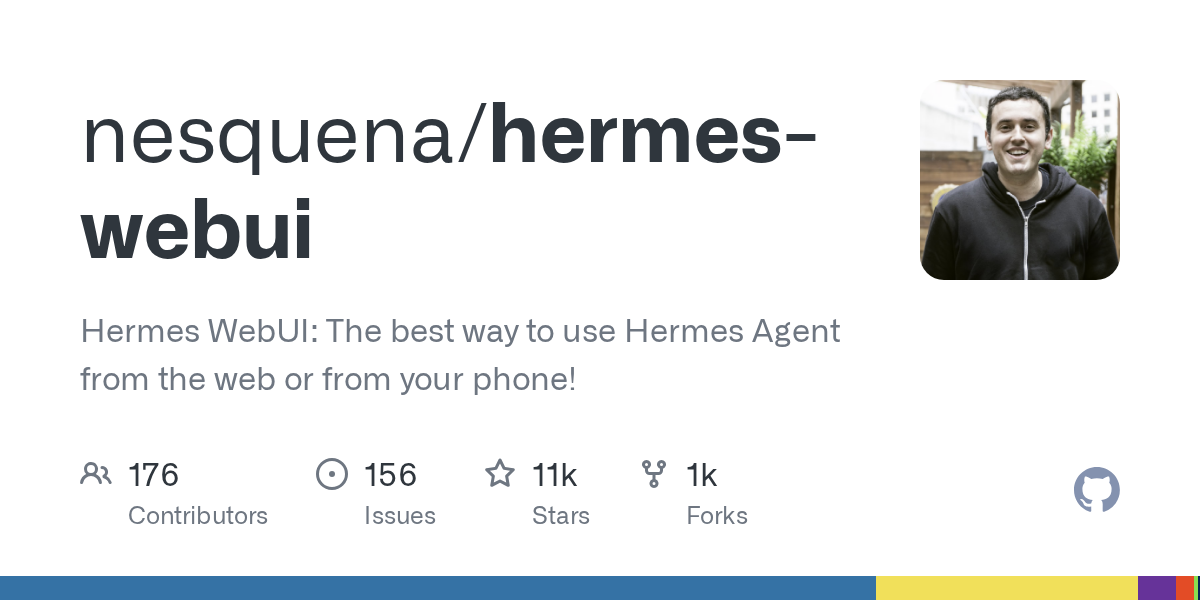
Summary
Hermes WebUI provides a lightweight, dark-themed web application for interacting with Hermes Agent, offering full parity with the CLI experience. This self-hosted interface allows users to manage sessions, browse workspaces, and control their AI agent from any web browser or phone, enhancing accessibility and user experience. It integrates seamlessly with existing Hermes Agent setups, requiring no additional configuration.
Repository Information
Topics
Click on any tag to explore related repositories
Use at your own risk
OSRepos shares public repositories for knowledge and discovery only. Any installation, execution, configuration, or use of code from these repositories is the user's own responsibility. Always review the repository, source code, dependencies, licenses, and security implications before running or installing anything. OSRepos is not responsible for issues, damages, or losses resulting from third-party repositories.
Introduction
Hermes WebUI is a sophisticated web application designed to provide a user-friendly interface for the powerful Hermes Agent. This lightweight, dark-themed web app offers full parity with the command-line interface, allowing users to manage their autonomous AI agent from a web browser or mobile device. Built with Python and vanilla JavaScript, it emphasizes simplicity, requiring no complex build steps or frameworks.
Installation
Getting started with Hermes WebUI is straightforward. First, clone the repository and run the bootstrap script:
git clone https://github.com/nesquena/hermes-webui.git hermes-webui
cd hermes-webui
python3 bootstrap.py
Alternatively, you can use the start.sh script:
./start.sh
For self-hosted VM or homelab installations, ctl.sh provides daemon lifecycle commands:
./ctl.sh start
Docker deployments are also supported with pre-built images available on GHCR, offering single or multi-container setups. Refer to the official Docker documentation for detailed instructions.
Examples
The Hermes WebUI features an intuitive three-panel layout: a left sidebar for sessions and navigation, a central chat area, and a right panel for workspace file browsing. Key controls for models, profiles, and workspaces are conveniently located in the composer footer, always visible during interaction. A circular context ring provides a quick glance at token usage, while all settings and session tools are accessible via the Hermes Control Center. The interface supports both dark and light modes, offers inline preview for workspace files, and includes rich features like tool call cards, subagent delegation, and Mermaid diagram rendering.
Why use Hermes WebUI?
Hermes WebUI stands out by providing a persistent, self-hosted, and highly capable AI agent experience. Unlike many AI tools that reset context with each session, Hermes retains memory, learns your environment, and runs scheduled jobs even when you're offline. It supports over 10 messaging platforms, allowing access from various devices. The agent itself is self-improving, automatically writing and saving its own skills, and is provider-agnostic, working with OpenAI, Anthropic, Google, and more. By using Hermes WebUI, you gain a powerful, private, and customizable AI assistant that truly gets smarter over time, all from a convenient web interface.
Links
- GitHub Repository: https://github.com/nesquena/hermes-webui
- Hermes Agent Official Site: https://hermes-agent.nousresearch.com/
- Documentation: Explore the comprehensive documentation for advanced configurations, remote access, and more.
Related repositories
Similar repositories that may be relevant next.
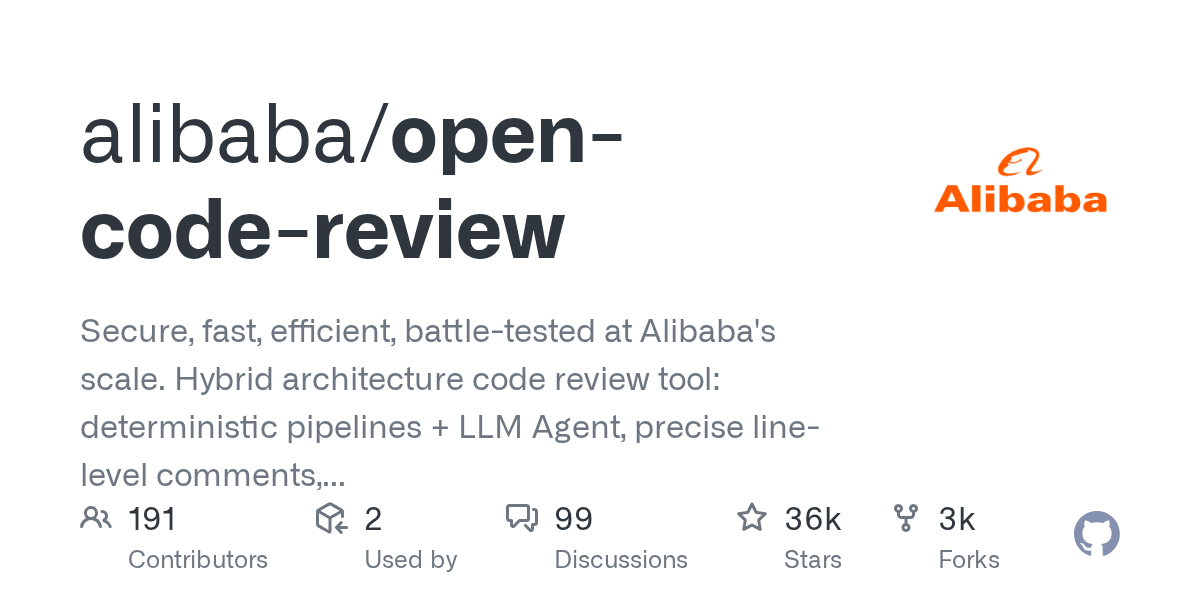
Open Code Review: AI-Powered Code Review Tool from Alibaba
September 18, 2026
Open Code Review is an AI-powered command-line interface tool for code review, battle-tested at Alibaba's scale. It leverages a hybrid architecture, combining deterministic engineering with an LLM agent, to provide secure, fast, and efficient code analysis. This tool generates precise, line-level comments and supports a multi-language ruleset, ensuring high-quality code reviews.
Awesome-Self-Evolving-Agents: A Curated List for AI Agent Research
September 14, 2026
Awesome-Self-Evolving-Agents is a comprehensive GitHub repository offering a curated collection of resources on self-evolving agents. It includes a systematic survey, research papers, benchmarks, and open-source projects, providing valuable insights into this rapidly advancing field of AI. This repository serves as an essential guide for researchers and developers exploring model-centric, environment-centric, and co-evolutionary approaches.
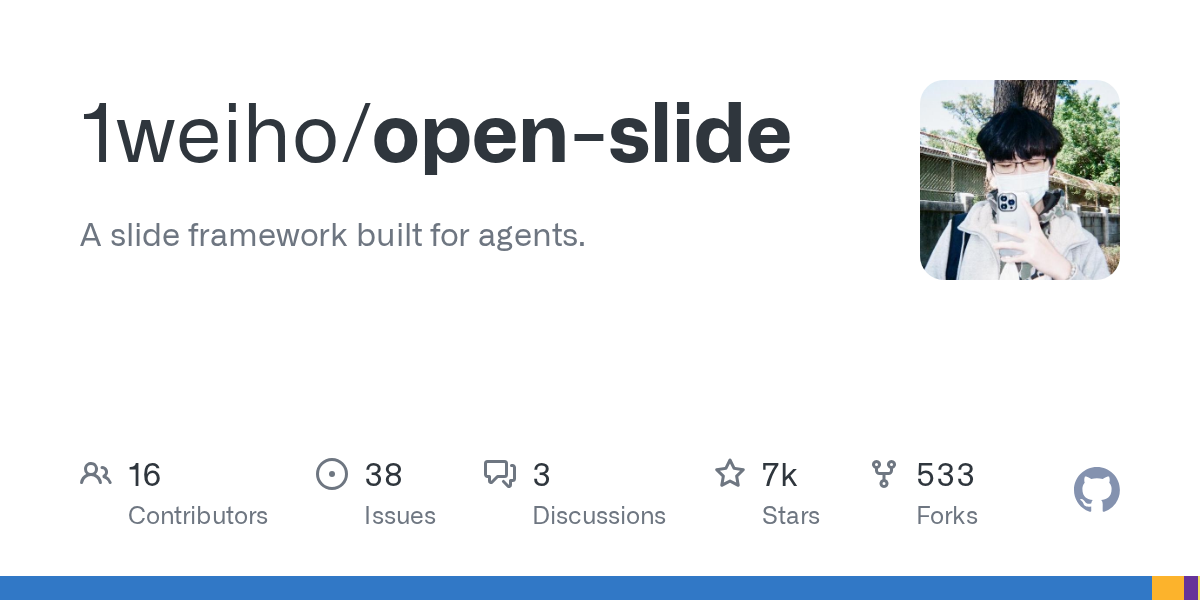
open-slide: An AI-Native Slide Framework for React Presentations
September 9, 2026
open-slide is a powerful slide framework built for AI agents, enabling users to create presentations by describing them in natural language. Coding agents then generate the React components, while open-slide handles the canvas, scaling, navigation, and presentation modes. This allows agents to focus entirely on content, streamlining the creation of polished, agent-driven decks.
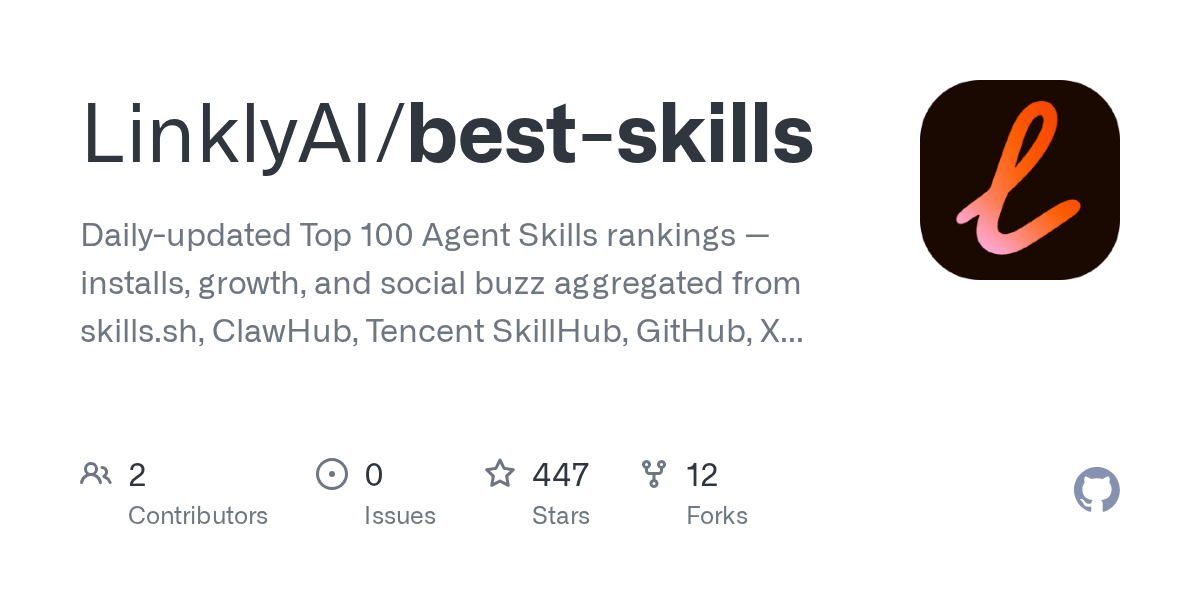
best-skills: Daily-Updated Rankings for Top Agent Skills
September 8, 2026
The LinklyAI/best-skills repository offers daily-updated rankings of the top 100 agent skills. It aggregates data on installs, growth, and social buzz from various platforms like skills.sh, ClawHub, Tencent SkillHub, GitHub, and X. This open-data project provides a comprehensive, cross-ecosystem view of agent skill performance, making it an invaluable resource for developers and researchers.
Source repository
Open the original repository on GitHub.
28 counted GitHub visits